
In an interconnected world, the need to understand and share documents across language barriers is more critical than ever. Whether you're an author reaching a new audience, a student accessing international research, or simply a reader exploring global literature, a powerful document translation app is indispensable. The challenge lies in navigating the vast market of available tools, each with distinct strengths and weaknesses.
Choosing the wrong app can lead to poorly preserved formatting, inaccurate translations, or even data privacy risks. This guide is designed to prevent that. We cut through the marketing jargon to provide a comprehensive analysis of the top 12 document translation platforms available today. We focus on the factors that matter most for practical use: EPUB support for ebooks, language pair availability, layout preservation, and overall translation accuracy.
This resource will help you find the perfect tool for your specific needs, whether you're translating a single PDF or managing a complex multilingual publishing project. For freelancers and language professionals, choosing the right document translation app is crucial. Beyond translation, a variety of AI tools for freelancers can significantly enhance productivity and streamline operations, helping them secure more projects and manage their workflow efficiently.
We’ll explore each option with detailed profiles, pros and cons, and specific use-case recommendations. You'll find screenshots and direct links for every tool, allowing you to quickly evaluate and select the best document translation app to translate your content with confidence and precision.
1. BookTranslator.ai
BookTranslator.ai distinguishes itself as a premier document translation app by focusing exclusively on a complex and often underserved niche: long-form EPUB book translation. Where general-purpose translators may falter on large files, lose stylistic nuance, or corrupt formatting, this platform is engineered from the ground up to preserve the integrity of the original work. Its core strength lies in its ability to process entire e-books in a single, streamlined operation, making it an invaluable tool for authors, publishers, and academics.
The platform’s intelligent AI not only translates the text but also meticulously maintains the book's original structure. Headings, chapter breaks, and essential styling are carried over to the translated file, saving users countless hours of post-translation reformatting. This capability is critical for anyone looking to quickly localize an e-book for a new market or for researchers needing to analyze a foreign text in its original layout.
Key Strengths and Use Cases
BookTranslator.ai excels in providing a professional-grade solution without the high costs or complexity of traditional translation services. The service is particularly well-suited for:
- Independent Authors & Self-Publishers: Quickly and affordably translate an entire manuscript to reach a global audience on platforms like Amazon KDP or Apple Books.
- Students & Researchers: Translate academic papers, research documents, or foreign literature for study while retaining the original document's structure and citations.
- Small Presses: Test new markets by producing high-quality AI translations before committing to a full human localization workflow.
The user experience is exceptionally straightforward. You upload an EPUB file, select your target language from over 50 options, and choose a pricing tier. The process is designed for efficiency, delivering a fully translated and formatted e-book ready for immediate use.
Pricing and Technical Details
Transparency in pricing is a significant advantage. BookTranslator.ai avoids subscription models in favor of a clear, pay-per-book structure, which is ideal for project-based needs.
| Feature | Basic Tier | Pro Tier |
|---|---|---|
| Cost | $5.99 per 100,000 words | $9.99 per 100,000 words |
| AI Model | Standard, cost-effective models | Newest, most advanced models |
| Best For | Cost-conscious projects, personal use | Publication-grade quality, nuance |
The service accepts EPUB files up to 50MB. While this covers most novels and academic texts, larger books may require splitting before upload. A money-back guarantee adds a layer of confidence, especially for first-time users tackling large projects.
Pros:
- Specialized for high-fidelity EPUB translation
- Preserves original formatting, chapters, and styling
- Transparent, no-subscription pay-per-book pricing
- Pro tier utilizes advanced AI for superior nuance
- Simple one-click workflow and fast turnaround
Cons:
- Strictly limited to EPUB file format (up to 50MB)
- AI output may still need human review for commercial publication
Website: https://booktranslator.ai
2. DeepL
DeepL has earned its reputation as a top-tier document translation app by consistently delivering exceptionally nuanced and natural-sounding translations. While it doesn't support EPUB files directly, its strength lies in handling common manuscript and marketing formats like DOCX, PPTX, and PDF with remarkable accuracy, making it ideal for authors preparing supplementary materials or business documents. The platform excels at preserving the original document's layout and formatting, which is a significant time-saver.
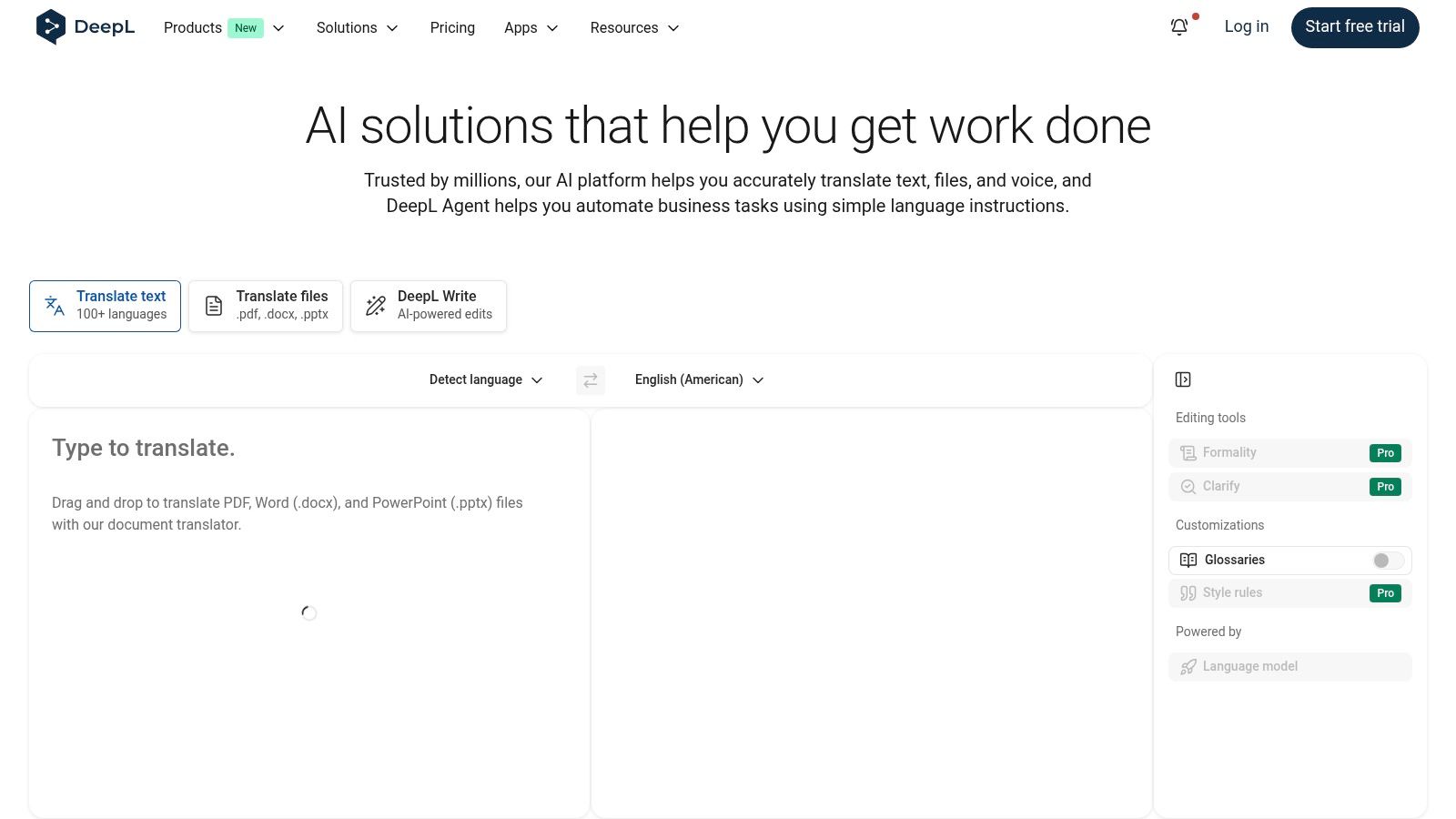
DeepL offers a generous free tier for text and a limited number of non-editable document translations. For more advanced features, such as editable file downloads, larger file size limits, and the powerful glossary function to maintain terminological consistency, users will need to upgrade to a Pro plan. The user interface across its web and desktop applications is clean and intuitive, focusing on a straightforward drag-and-drop process for file uploads.
Key Features and Use Case
- Best Use Case: Translating marketing materials, author bios, or manuscripts in DOCX or PDF format where layout preservation is critical.
- Standout Feature: The Glossary feature on Pro plans allows users to define specific rules for how certain words and phrases are translated, ensuring consistency across multiple documents. For example, an author can ensure character names or unique place names are never translated.
- Supported Formats: DOCX, PPTX, PDF, XLSX, TXT, HTML.
- Practical Tip: For best results with PDF files, use text-based (not scanned) documents. DeepL's quality can diminish with image-based PDFs, a common limitation for many translation tools.
| Feature | DeepL |
|---|---|
| Best For | High-quality translation of business & academic documents |
| EPUB Support | No |
| Key Strength | Nuanced translation quality, layout preservation, glossary |
| Pricing Model | Freemium; Pro plans start at $10.49/user/month (billed annually) |
| Primary Limitation | No native ebook format support; best features are paid |
Website: https://www.deepl.com
3. Google Cloud Translation – Document Translation
Google Cloud Translation offers a powerful, developer-centric document translation app designed for large-scale, automated workflows rather than casual use. It excels at preserving the formatting of business-centric files like DOCX, PPTX, and PDF, making it a robust solution for enterprises needing to integrate translation into their existing cloud infrastructure. Its primary strength is its scalability and ability to handle batch requests, processing up to 100 files at once.
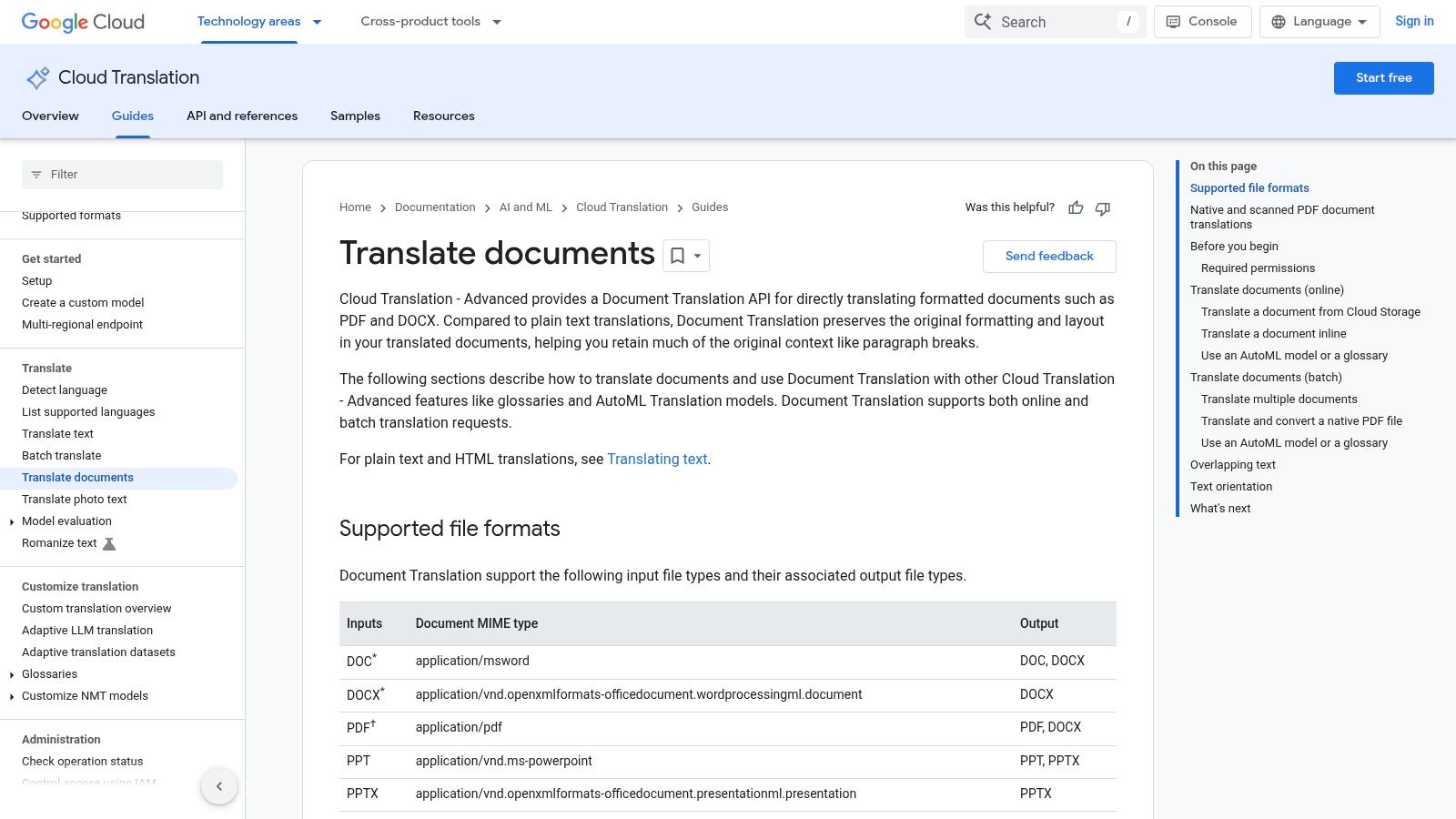
Unlike user-friendly web interfaces, this service requires setup within a Google Cloud Platform (GCP) project, making it better suited for those with technical expertise. The platform supports advanced features like glossaries for consistent terminology and custom translation models via AutoML. Its pricing is metered on a per-page basis, which is cost-effective for targeted use but can become expensive for translating large volumes of lengthy documents.
Key Features and Use Case
- Best Use Case: Integrating automated, high-volume document translation into business applications or content management systems within the Google Cloud ecosystem.
- Standout Feature: The ability to process large batches of documents programmatically and leverage custom AutoML models, allowing businesses to train the AI on their specific domain terminology for superior accuracy.
- Supported Formats: DOCX, PPTX, XLSX, PDF (text-based and scanned).
- Practical Tip: Google's OCR technology is quite capable, but for the highest quality translations from scanned files, ensure your source documents are high-resolution and have clear, legible text. You can learn more about the best practices to translate a scanned PDF to maximize output quality.
| Feature | Google Cloud Translation |
|---|---|
| Best For | Developers and businesses needing scalable, API-driven translation |
| EPUB Support | No |
| Key Strength | Batch processing, GCP integration, custom models (AutoML) |
| Pricing Model | Pay-as-you-go (per page); requires a GCP account |
| Primary Limitation | Not user-friendly for individuals; complex initial setup |
Website: https://cloud.google.com/translate/docs/advanced/translate-documents
4. Microsoft 365 (Word/Office) Built‑in Translator
For users already embedded in the Microsoft ecosystem, the built-in translator within Office applications offers a surprisingly capable document translation app experience without needing any external software. Found under the "Review" tab in Word, the "Translate Document" feature generates a completely new, translated copy of the document, aiming to preserve the original structure. While not designed for specialized formats like EPUB, its convenience for translating DOCX, PPTX, and XLSX files is unmatched for those who live and work within Office 365.
This functionality is included with a Microsoft 365 subscription, meaning there are no additional costs or translation limits beyond what your plan offers. The user experience is seamless, as the translation tools are directly integrated into the familiar Office ribbon. Besides whole-document translation in Word, users can also translate selected text snippets across Word, Excel, and PowerPoint, making it useful for quick, contextual translations while drafting or editing. For a more detailed guide, you can learn how to translate documents directly within Microsoft Word.
Key Features and Use Case
- Best Use Case: Quick, convenient translation of internal drafts, reports, or presentations in DOCX or PPTX formats for users already subscribed to Microsoft 365.
- Standout Feature: The deep integration into the Office workflow is its main advantage. The ability to translate a document with a few clicks without leaving the application is a significant productivity booster.
- Supported Formats: Primarily DOCX, XLSX, PPTX.
- Practical Tip: The translator works best on simple documents. In files with complex tables, extensive custom formatting, or embedded objects, the layout fidelity of the translated copy can be inconsistent. Always review the output for formatting errors.
| Feature | Microsoft 365 (Word/Office) Built‑in Translator |
|---|---|
| Best For | Users seeking a convenient, integrated solution within Office |
| EPUB Support | No |
| Key Strength | No extra software needed; seamless integration into Office workflow |
| Pricing Model | Included with Microsoft 365 subscription (starts at $6.99/month) |
| Primary Limitation | Translation quality and formatting fidelity can vary |
Website: https://www.microsoft.com/microsoft-365
5. Amazon Translate (AWS)
Amazon Translate is a powerful, cloud-based document translation app that excels in high-volume, automated workflows rather than one-off file uploads. Part of the broader Amazon Web Services (AWS) ecosystem, it's designed for developers and businesses needing to integrate translation capabilities directly into their applications and data pipelines. It handles standard business formats like DOCX and PPTX through both real-time and batch processing, making it highly scalable for large-scale projects.
The service is highly customizable through features like custom terminologies (glossaries) and Active Custom Translation, which allows users to fine-tune models with their own parallel data. This ensures brand-specific or technical terms are translated consistently. However, its power comes with a steeper learning curve; it requires familiarity with the AWS environment, including setting up S3 buckets for storage and IAM for permissions, making it less suitable for casual users seeking a simple drag-and-drop interface.
Key Features and Use Case
- Best Use Case: Programmatically translating large batches of documents (e.g., technical manuals, user guides, or support articles) stored in an AWS S3 bucket.
- Standout Feature: Its deep integration with the AWS ecosystem allows for the creation of fully automated translation pipelines. For example, a new DOCX file uploaded to an S3 bucket can automatically trigger a translation job.
- Supported Formats: DOCX, PPTX, XLSX, HTML, XLIFF, TXT.
- Practical Tip: Leverage the AWS Free Tier to experiment with the service. You get 2 million characters per month for free for the first 12 months, which is ample for testing its capabilities before committing to a larger project.
| Feature | Amazon Translate (AWS) |
|---|---|
| Best For | High-volume, programmatic, and automated translation |
| EPUB Support | No |
| Key Strength | Scalability, AWS integration, and customizability (glossaries) |
| Pricing Model | Pay-as-you-go (e.g., $15 per million characters for standard text) |
| Primary Limitation | Requires AWS technical knowledge; not a simple standalone tool |
Website: https://aws.amazon.com/translate
6. DocTranslator
DocTranslator positions itself as a versatile and consumer-friendly document translation app, notable for its extensive file format support and straightforward workflow. It handles an impressive range of documents, from standard office files like DOCX and PDF to more specialized formats like EPUB and Adobe InDesign (IDML). This makes it a practical choice for users who work with diverse media, including authors, designers, and business professionals looking to translate a variety of content types while preserving the original layout.
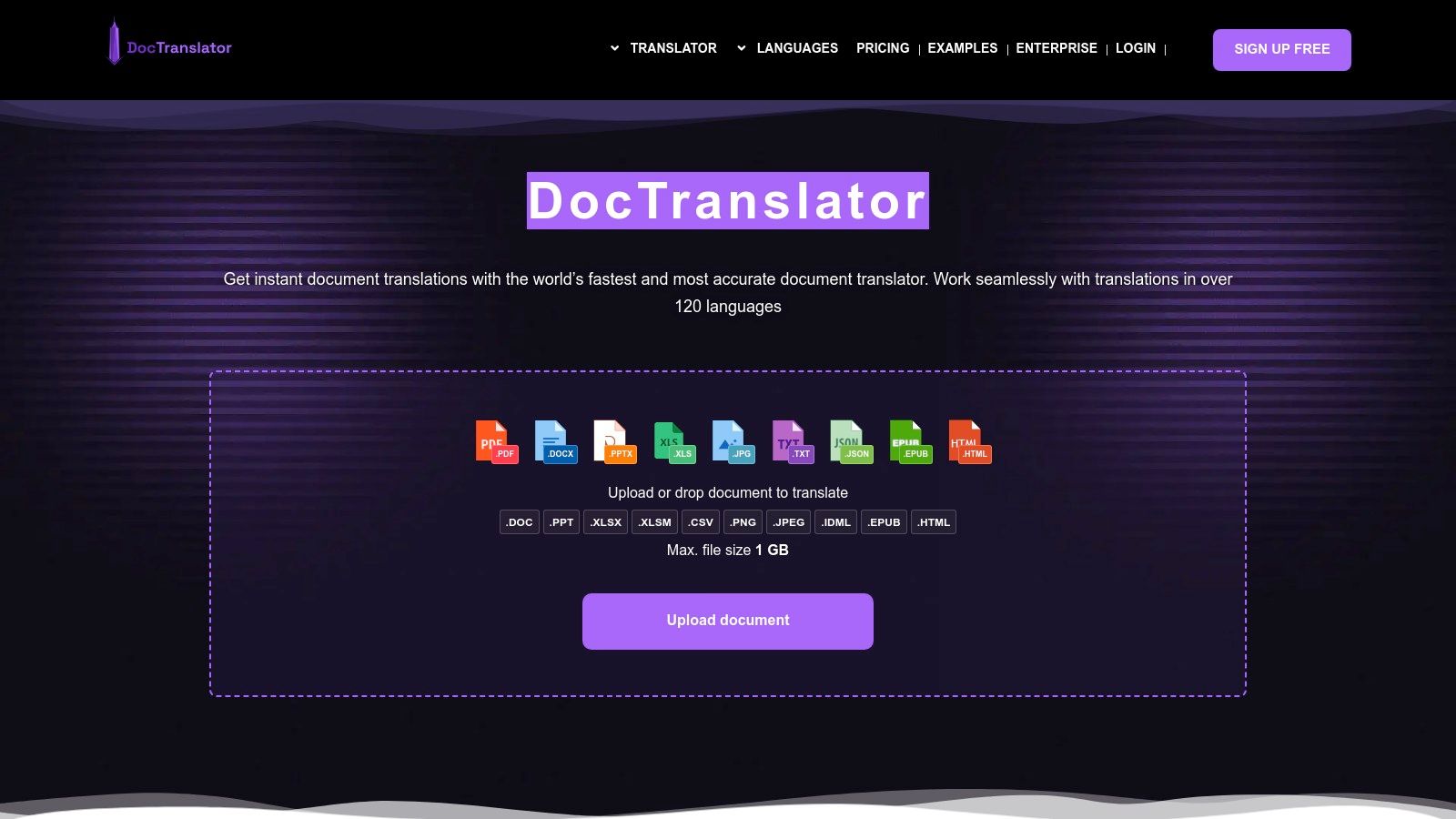
The platform offers a simple upload-and-translate process with a free tier that allows users to test the service. For more intensive use, its paid plans provide generous allowances for file sizes and page counts, along with team features and increased storage. DocTranslator is transparent with its per-word costs and plan limitations, making it easy to predict expenses. Additional built-in tools, such as a PDF editor and a PDF-to-DOCX converter, add significant value and convenience. For those exploring different tools, there are many types of apps that translate documents available to compare.
Key Features and Use Case
- Best Use Case: Translating a wide variety of file types, including EPUBs, PDFs, and design files, where maintaining the document's structure and layout is a priority.
- Standout Feature: Broad format compatibility, especially its support for both ebook (EPUB) and design (IDML) files, which is less common in all-in-one platforms.
- Supported Formats: PDF, DOCX, PPTX, XLSX, TXT, EPUB, IDML, SRT, and various image files.
- Practical Tip: Use the free tier to process a small, non-sensitive document first. This will help you evaluate the machine translation quality for your specific language pair and content style before committing to a paid plan.
| Feature | DocTranslator |
|---|---|
| Best For | Users needing to translate a diverse range of document formats |
| EPUB Support | Yes |
| Key Strength | Wide format support (including EPUB/IDML), layout preservation |
| Pricing Model | Freemium; Pro plans offer credits on a subscription basis |
| Primary Limitation | Relies on standard machine translation without human review |
Website: https://doctranslator.com
7. Lingvanex
Lingvanex positions itself as a versatile, cross-platform document translation app with a strong emphasis on flexibility. Its ecosystem includes a web-based translator alongside robust desktop and mobile applications. This makes it a compelling option for users who need consistent translation capabilities across different devices, including offline access via its Windows and Mac apps. It handles a wide array of document types, including DOCX, PDF, and PPTX, with a simple interface for uploading and processing files.
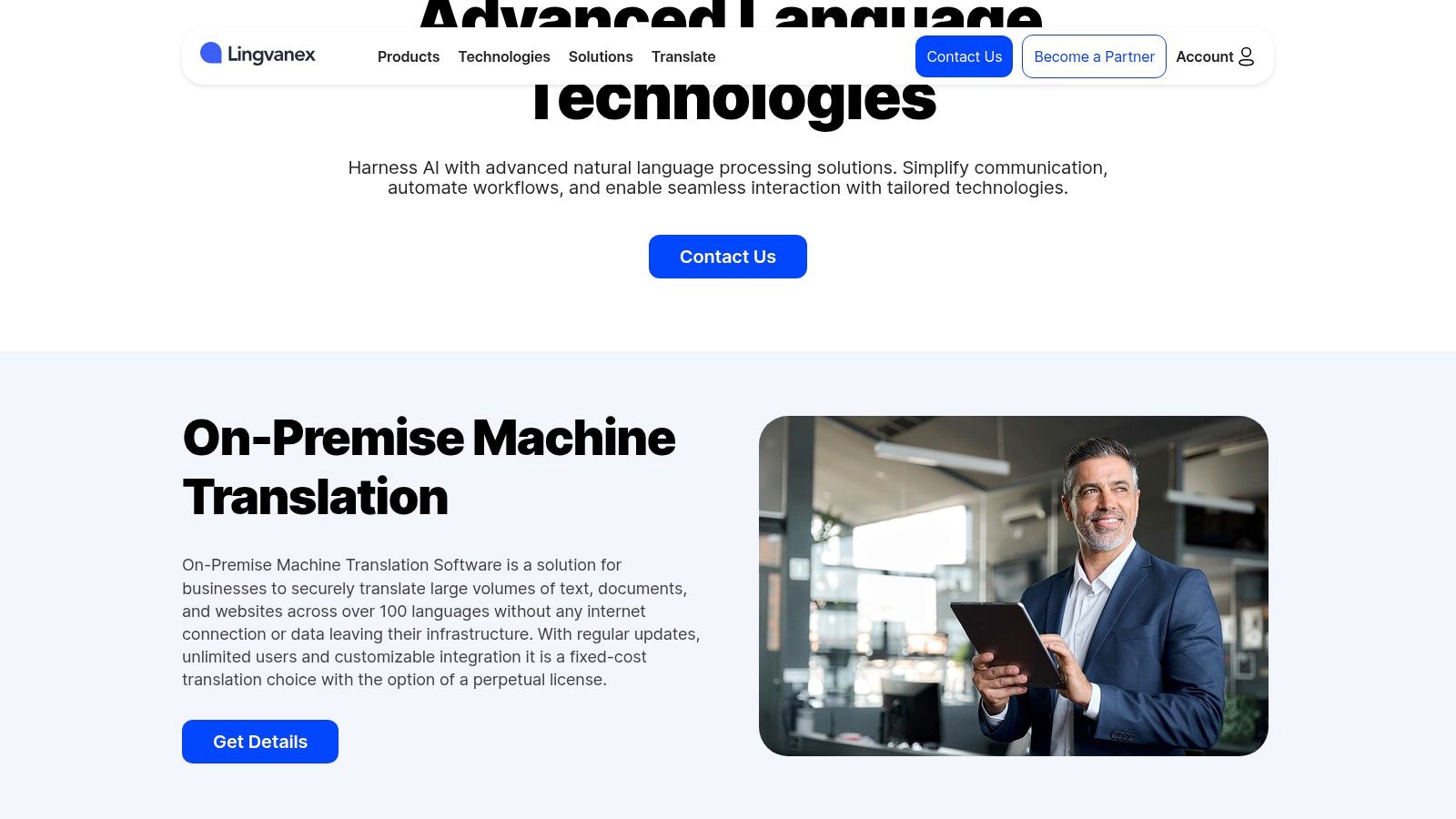
The platform is designed for both casual and heavy-duty use, offering solutions for translating very large documents through its desktop software. While it doesn't support ebook formats directly, its ability to handle sizable PDFs and other common text documents is a key advantage. The pricing structure is segmented, with separate plans for its different products, so users can choose the tools that best fit their workflow, whether they need online API access or powerful offline translation.
Key Features and Use Case
- Best Use Case: Users who need a consistent translation experience across web, desktop, and mobile, especially those requiring offline translation capabilities for standard document formats.
- Standout Feature: The availability of powerful offline desktop apps for Windows and macOS allows users to translate large documents securely without an internet connection, a critical feature for privacy and productivity.
- Supported Formats: DOC, DOCX, ODT, PDF, PPTX, XLS, XLSX, RTF, TXT.
- Practical Tip: Pay close attention to the pricing pages, as different products have separate plans. Ensure you select the plan (e.g., desktop app vs. API) that aligns with your specific translation needs.
| Feature | Lingvanex |
|---|---|
| Best For | Cross-platform use with offline desktop capabilities |
| EPUB Support | No |
| Key Strength | Offline mode, large file handling, available on all major OS |
| Pricing Model | Subscription-based; plans vary by product (e.g., desktop app) |
| Primary Limitation | No native ebook format support; scanned PDFs are not supported |
Website: https://lingvanex.com
8. SYSTRAN
SYSTRAN brings an enterprise-grade heritage to the table, positioning itself as a powerful document translation app for professionals and teams who prioritize security and integration. While not geared toward ebook formats like EPUB, it excels in translating standard business and technical documents, including Word, PowerPoint, and PDF files. The platform is built around the need for data privacy, making it a reliable choice for handling sensitive manuscripts or confidential business communications without the data-mining concerns associated with some free online tools.
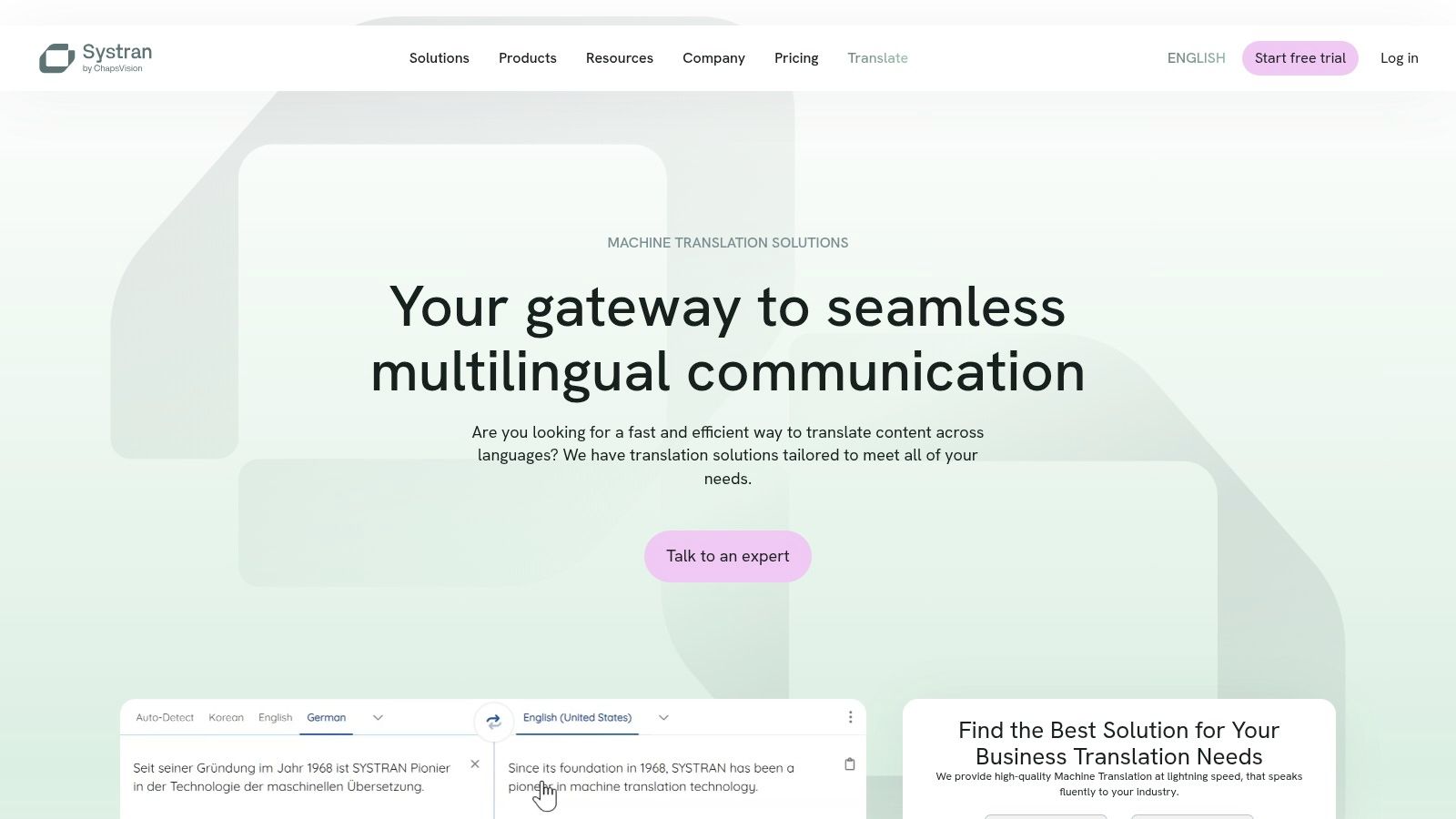
SYSTRAN's Translate Pro plans operate on a monthly character quota, which includes file translation, access to specialized industry-specific models, and robust dictionary tools. Its real strength lies in its ecosystem, offering Microsoft 365 add-ins and connectors for professional CAT (Computer-Assisted Translation) tools. This focus on workflow integration makes it less of a casual tool and more of a component in a professional translation pipeline. The interface is clean and business-like, reflecting its corporate-focused design.
Key Features and Use Case
- Best Use Case: Teams and professionals in corporate or academic settings who need secure, high-quality translation for business documents and require integration with existing translation workflows.
- Standout Feature: Its robust integration capabilities, including connectors for CAT/TMS systems and Microsoft 365 add-ins, allow it to fit seamlessly into professional environments.
- Supported Formats: DOCX, PPTX, XLSX, PDF, XML, JSON.
- Practical Tip: Leverage the dictionary and termbase features to build a custom translation memory. This is especially useful for technical writers or academics who need to maintain strict consistency with specialized terminology across multiple documents.
| Feature | SYSTRAN |
|---|---|
| Best For | Secure business document translation & professional workflow integration |
| EPUB Support | No |
| Key Strength | High data privacy, CAT tool connectors, specialized models |
| Pricing Model | Subscription plans based on character quotas, starting at €19.99/month |
| Primary Limitation | Character/page quotas can be restrictive; no native ebook support |
Website: https://www.systransoft.com
9. PROMT.One
PROMT.One offers a versatile and budget-friendly approach to translation, combining web, mobile, and a unique Windows desktop application. This platform serves as a practical document translation app for users who need quick translations on the fly, especially with its "Agent" desktop feature that can capture and translate text from any application or website. While it doesn't specialize in ebook formats, it provides a solid foundation for translating text snippets and standard document files.
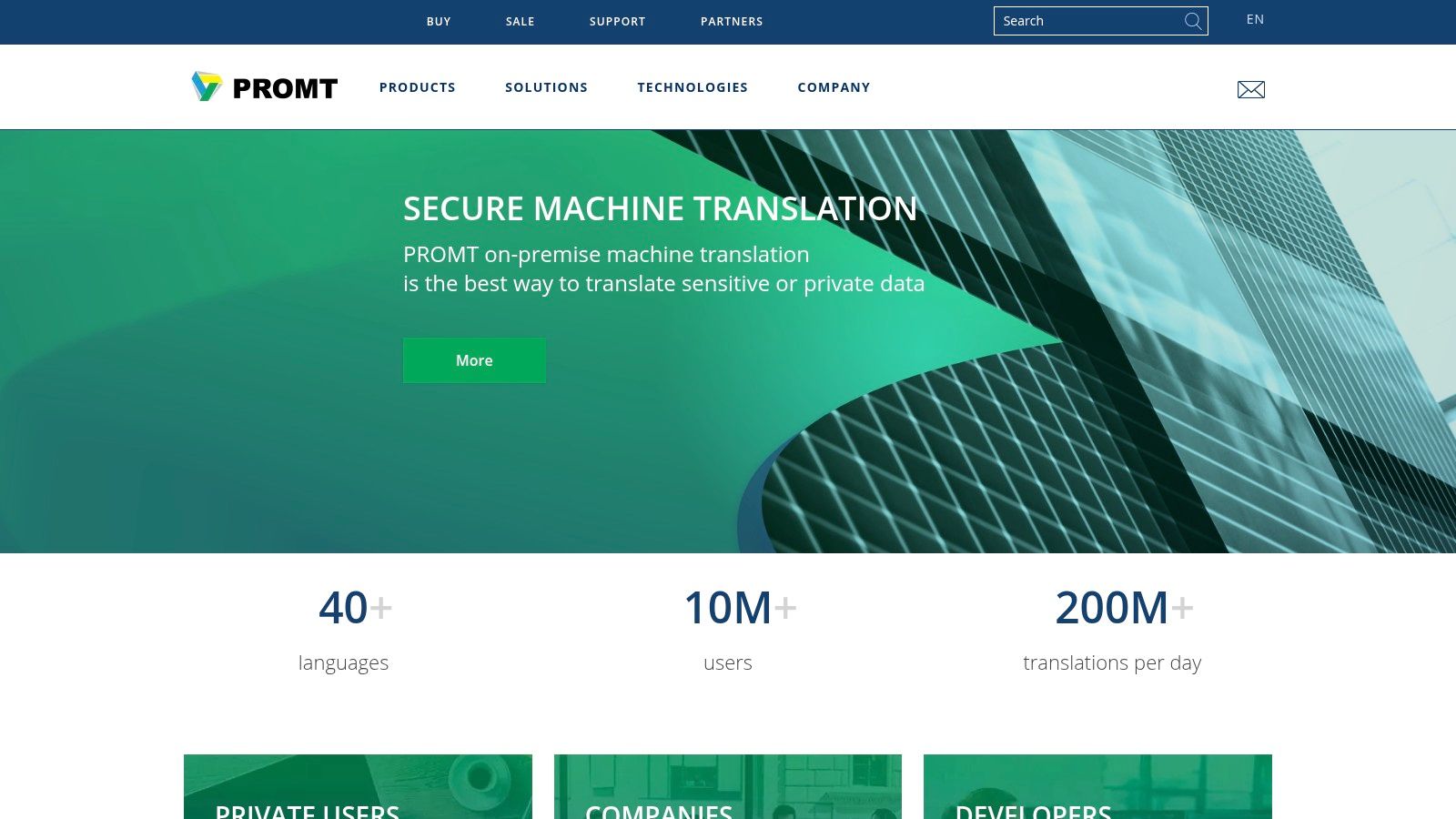
The service operates on a freemium model, with its Premium subscriptions unlocking key benefits like an ad-free experience and offline translation packs for select European languages. The interface is straightforward, and the synchronized history across devices is a convenient touch for users working on multiple platforms. However, its language selection is more limited than industry giants, and advanced document formatting preservation is not its primary strength.
Key Features and Use Case
- Best Use Case: Quick text translations from websites or documents on a Windows PC using the desktop Agent, and offline translations on mobile for supported languages.
- Standout Feature: The PROMT Agent for Windows is a powerful utility that allows users to select text anywhere on their screen and get an instant translation, streamlining research and content review workflows.
- Supported Formats: DOCX, PDF, TXT, and others for basic text extraction.
- Practical Tip: Leverage the free version for quick text lookups. If you frequently travel or work without internet in Europe, the affordable Premium plan's offline packs can be a cost-effective investment.
| Feature | PROMT.One |
|---|---|
| Best For | Budget-conscious users needing desktop & offline capabilities |
| EPUB Support | No |
| Key Strength | Desktop Agent integration, offline packs, affordable pricing |
| Pricing Model | Freemium; Premium subscriptions with various promotional offers |
| Primary Limitation | Smaller language selection; less focus on file formatting |
Website: https://www.promt.com
10. Smartcat
Smartcat positions itself as more than just a document translation app; it's a comprehensive, cloud-based language platform designed for collaboration and scale. It combines AI translation with powerful CAT (Computer-Assisted Translation) tools and workflow management. Its ability to handle over 80 file formats and more than 280 languages makes it a versatile choice for publishing teams and businesses managing complex localization projects, rather than individual authors seeking a quick, one-off translation.
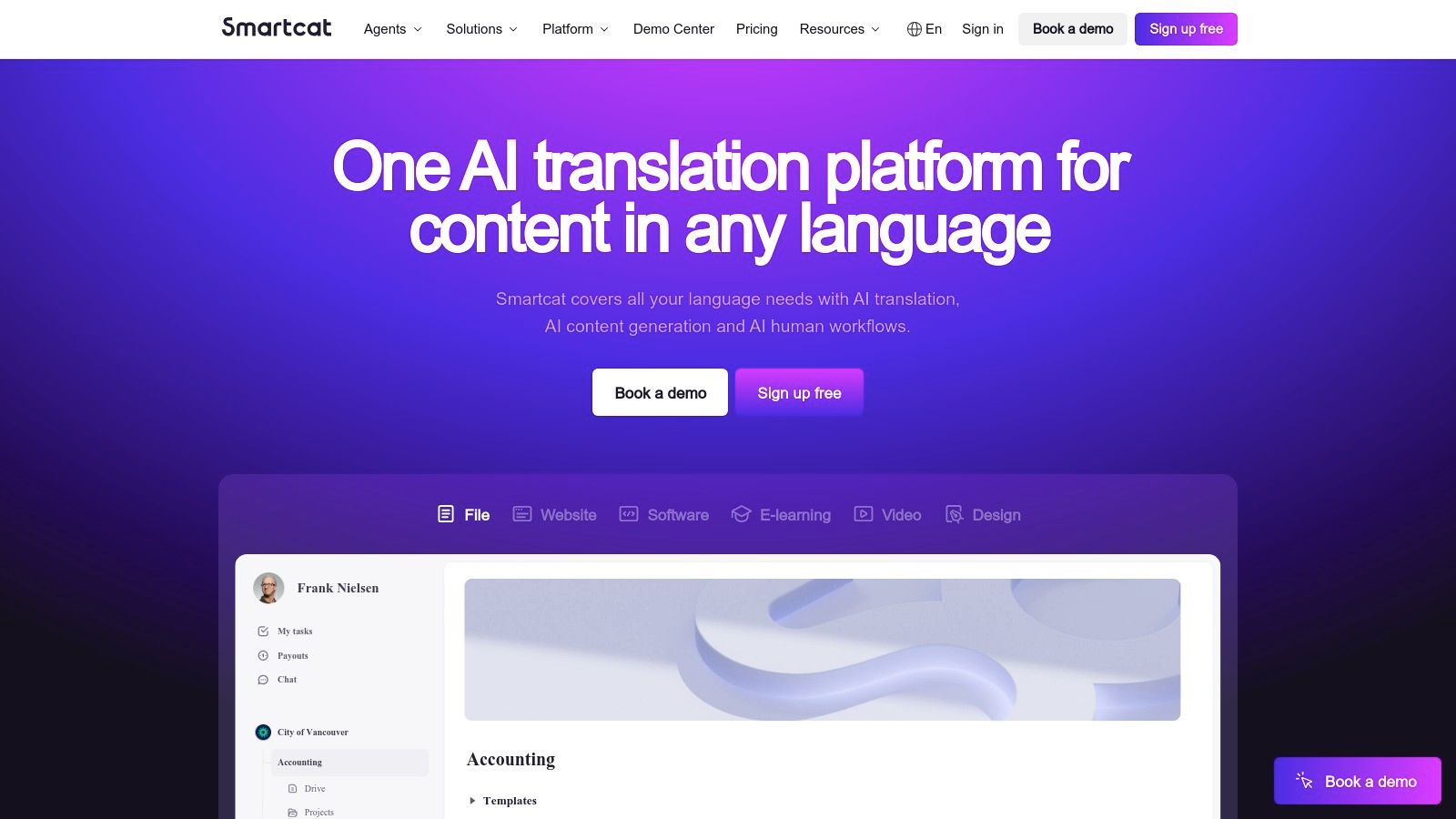
The platform is built around a collaborative environment where teams can manage glossaries, tune brand voice, and review translations in real-time. A standout feature is its integrated marketplace, allowing users to hire professional linguists for editing and proofreading directly within the platform. While this offers an end-to-end solution, it also introduces a learning curve, as the interface is geared toward project management rather than a simple drag-and-drop process.
Key Features and Use Case
- Best Use Case: Publishing houses or author teams needing a collaborative platform to manage the translation of multiple documents, maintain brand consistency, and bring in human translators for quality assurance.
- Standout Feature: The integrated marketplace for hiring professional linguists allows for a seamless transition from machine translation to human post-editing and review, all within one ecosystem.
- Supported Formats: Over 80 file types, including DOCX, PDF, PPT, HTML, and various localization formats.
- Practical Tip: Leverage the glossary and brand tuning features from the start. Taking the time to set up these assets ensures that your AI-powered translations maintain terminological consistency, reducing the need for extensive manual edits later.
| Feature | Smartcat |
|---|---|
| Best For | Collaborative translation projects and scalable workflows |
| EPUB Support | No (but can handle source files like DOCX before conversion) |
| Key Strength | Integrated AI, CAT tools, and human translator marketplace |
| Pricing Model | Freemium; paid plans with advanced features, enterprise pricing often requires a quote |
| Primary Limitation | Steeper learning curve; geared towards teams, not single users |
Website: https://www.smartcat.com
11. RWS Trados Studio
RWS Trados Studio is a professional-grade document translation app and a long-standing industry standard for translators and publishing houses. It is a powerful desktop CAT (computer-assisted translation) tool designed for complex projects requiring maximum control and consistency. While not a simple drag-and-drop web app, it excels at managing large documents through features like translation memory (TM) and termbases, which store and reuse previously translated segments and specific terminology.
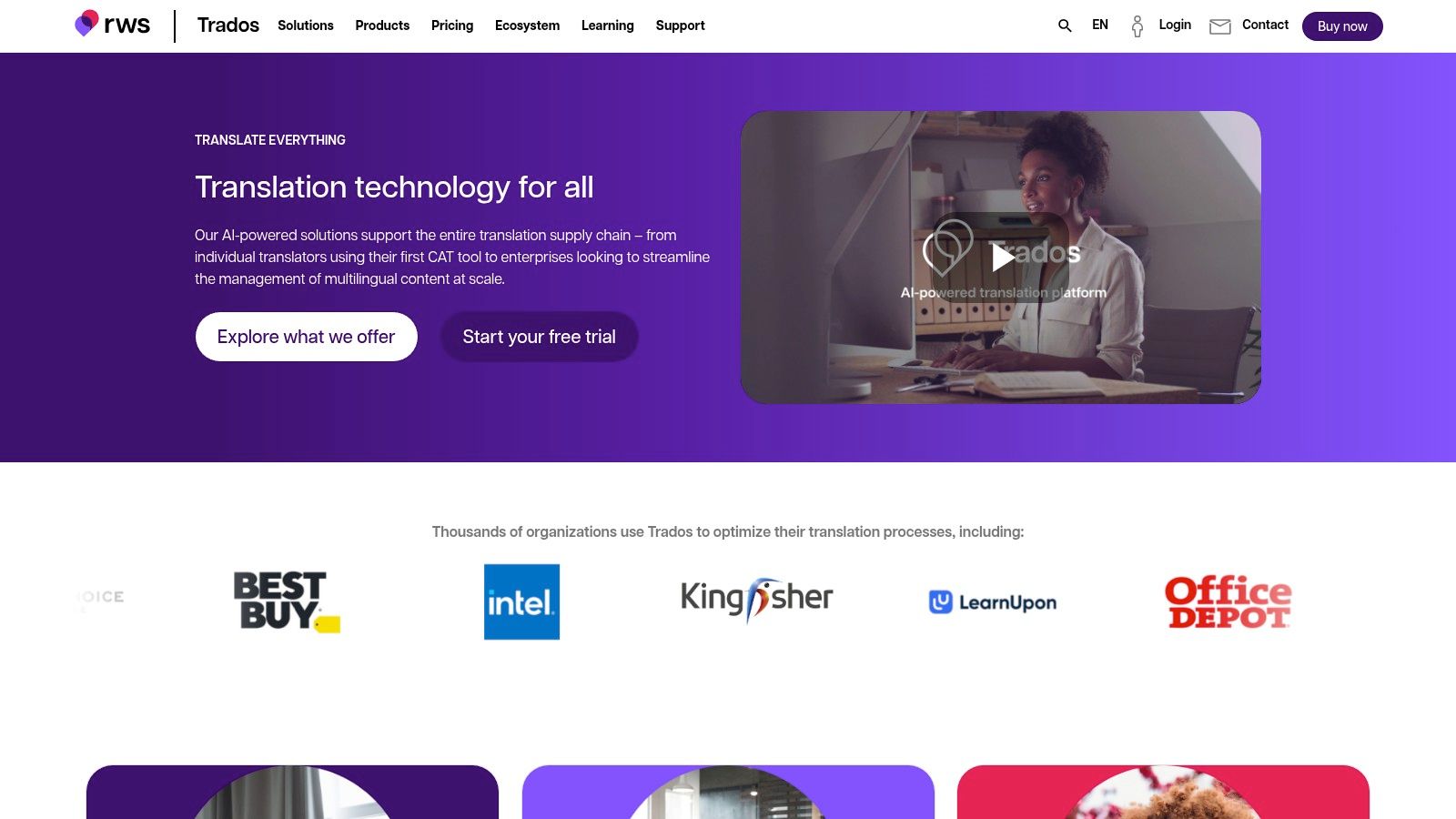
This platform is less suited for casual one-off translations and is geared toward professionals managing extensive or iterative projects, like a book series. It integrates with secure machine translation engines, including RWS's own Language Weaver, to automate parts of the workflow while giving the user full editing control. Due to its professional focus, it comes with a significant learning curve and a higher price point, available through various subscription plans and a trial period.
Key Features and Use Case
- Best Use Case: Professional translators, publishers, or authors working on a book series or large-scale projects where terminology consistency and quality assurance are paramount.
- Standout Feature: The combination of Translation Memory (TM) and Termbases provides unparalleled consistency. TM ensures that repeated sentences are translated identically every time, while termbases manage key terms (like character names or specific concepts) across the entire project.
- Supported Formats: Extensive support for dozens of file types, including DOCX, IDML (InDesign), PDF, HTML, XML, and more.
- Practical Tip: Leverage the free trial to familiarize yourself with the workflow. Building a solid TM and termbase from your first project will significantly speed up and improve the quality of subsequent translations.
| Feature | RWS Trados Studio |
|---|---|
| Best For | Professional translators & publishers needing quality control |
| EPUB Support | No (Typically handles source formats like IDML or DOCX) |
| Key Strength | Translation Memory, termbases, quality assurance, workflow control |
| Pricing Model | Subscription-based; offers a free trial |
| Primary Limitation | Steep learning curve and high cost for non-professionals |
Website: https://www.trados.com
12. Canva – Document Translator
Canva has integrated a capable document translation app directly into its popular design platform, creating a unique workflow for users who need to translate and then visually polish their documents. This tool is less about specialized linguistic accuracy and more about convenience, allowing you to translate up to 50 pages of a document and immediately begin adjusting the layout, fonts, and images within the same interface. It's an excellent choice for creating multilingual marketing brochures, presentations, or visually-rich PDFs where design consistency post-translation is a priority.
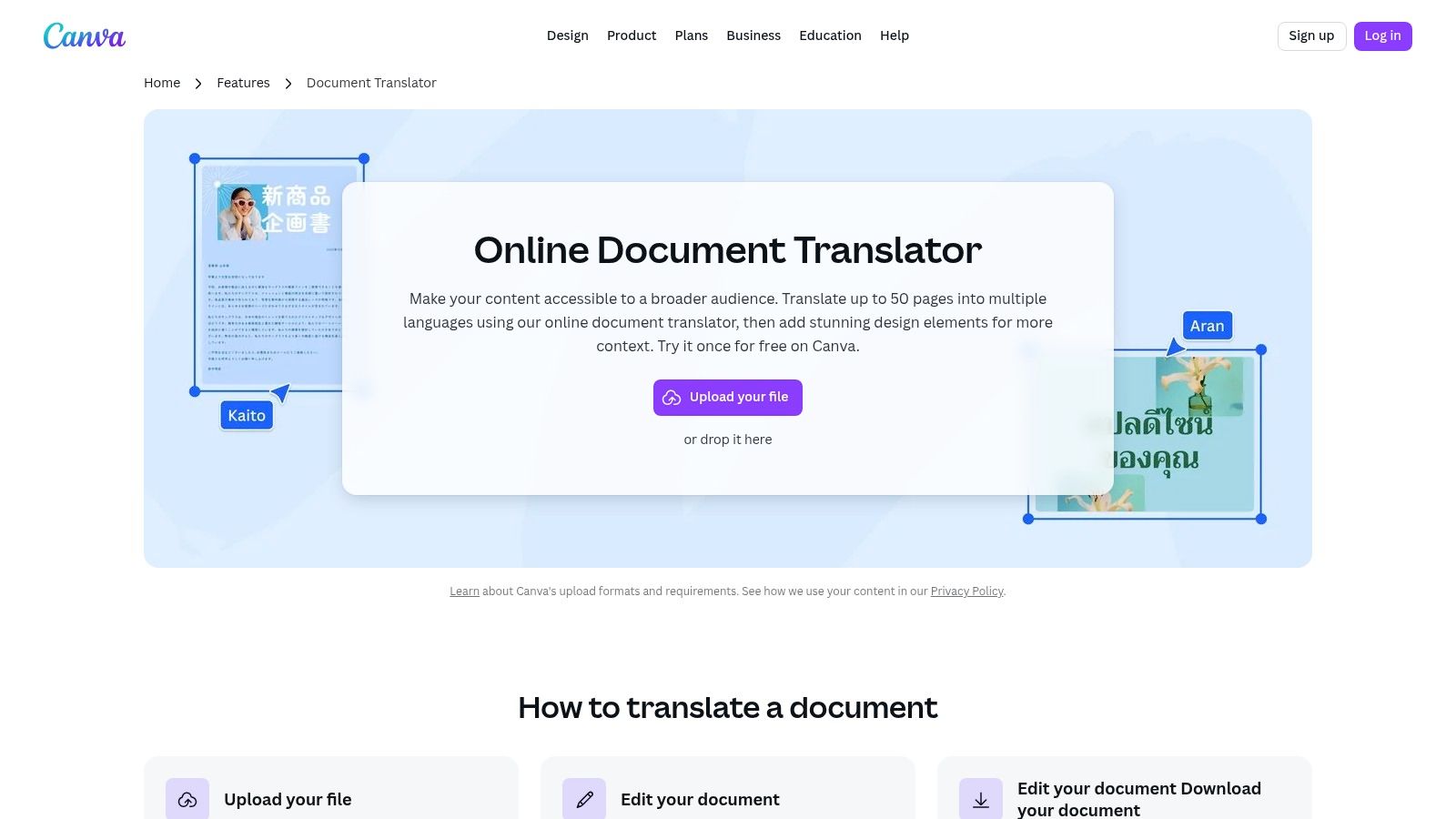
While the initial machine translation quality may require manual review and refinement, the true value lies in the post-translation editing capabilities. Canva’s collaborative tools and extensive asset libraries make it easy for teams to finalize a translated document’s design without exporting and re-importing it into different software. The platform offers some free usage, but ongoing or heavy use will necessitate a Canva Pro subscription to unlock its full potential.
Key Features and Use Case
- Best Use Case: Translating design-heavy documents like marketing materials, flyers, or social media graphics where immediate visual editing and branding alignment are required after translation.
- Standout Feature: The seamless integration of translation and design tools in a single, user-friendly workflow, eliminating the need for separate applications.
- Supported Formats: PDF, DOCX, PPTX, and others supported by the Canva editor.
- Practical Tip: After translating your document, use Canva's "Styles" feature to quickly apply your brand's color palette and font sets to the new text, ensuring a professional and consistent look.
| Feature | Canva – Document Translator |
|---|---|
| Best For | Combining translation & design for marketing materials |
| EPUB Support | No |
| Key Strength | Integrated design and translation workflow, collaboration tools |
| Pricing Model | Freemium; Pro plans offer more features and start at $12.99/month |
| Primary Limitation | Not a specialized translation tool; quality may vary |
Website: https://www.canva.com/features/document-translator/
12 Document Translation Tools Comparison
| Service | Core features | Quality & UX | Value & Pricing | Target audience | Unique selling points |
|---|---|---|---|---|---|
| BookTranslator.ai 🏆 | ✨ EPUB-focused: upload EPUB ≤50MB → translate into 50+ languages; preserves chapters, headings & styling | ★★★★★ — one-click EPUB workflow; smart formatting | 💰 Basic $5.99 /100k words; Pro $9.99 /100k; pay-per-book; money-back guarantee | 👥 Authors, self-publishers, students, small presses, avid readers | ✨ High-fidelity long-form EPUB translation; preserves voice & layout; transparent token pricing |
| DeepL | DOCX/PPTX/XLSX/PDF layout-preserving; web, desktop & API | ★★★★★ — strong MT quality; glossaries & tone control | 💰 Free tier; Pro subscription for editable downloads & higher limits | 👥 Businesses, translators, professionals | ✨ Tone control, glossaries, desktop batch uploads |
| Google Cloud Translation – Document Translation | DOC/DOCX/PPT/PDF + scanned support; AutoML/custom models; batch & sync | ★★★★☆ — enterprise-grade, scalable; developer setup required | 💰 Pay-per-page / usage; suited for large pipelines | 👥 Developers, enterprises, automated workflows | ✨ AutoML, GCP integrations, scanned doc rotation correction |
| Microsoft 365 (Word/Office) Built‑in Translator | One-click whole-document translate in Word; in-document selection; OneDrive/SharePoint | ★★★★☆ — simple UI inside Office; variable fidelity on complex files | 💰 Included with Microsoft 365 subscription | 👥 Office users, non-technical staff | ✨ Native Office integration; no separate tool needed |
| Amazon Translate (AWS) | Batch & real-time; DOCX/PPTX/HTML; S3 batch processing; custom translation | ★★★★☆ — scalable, programmatic for high volume | 💰 Pay-as-you-go with volume discounts | 👥 Developers, large-scale automation teams | ✨ Deep AWS integration; Custom Translation & parallel data |
| DocTranslator | Layout-preserving across 120+ languages; supports EPUB, PDF, DOCX, images | ★★★☆☆ — consumer-friendly, quick uploads | 💰 Free tier; per-word/paid plans for larger files | 👥 Casual users, small businesses needing fast docs | ✨ Wide format support incl. EPUB + built-in PDF editor |
| Lingvanex | Web + desktop + mobile; offline desktop packs; 100+ languages | ★★★☆☆ — flexible cross-platform with offline mode | 💰 Various plans (check currency); one-time/offline options | 👥 Offline users, cross-platform users | ✨ Offline desktop translation & large-file handling |
| SYSTRAN | File translation, dictionaries/termbases, CAT/TMS connectors, Office add-ins | ★★★★☆ — privacy-focused, professional integrations | 💰 Subscription/enterprise pricing with character quotas | 👥 Teams, enterprises, privacy-conscious orgs | ✨ Enterprise privacy, termbases, CAT/TMS connectors |
| PROMT.One | Web/mobile/Windows Agent; offline packs for select languages; context-aware | ★★★☆☆ — budget-friendly, quick desktop agent | 💰 Premium subscription for ad-free & offline features | 👥 Budget users, desktop-heavy workflows | ✨ Desktop Agent + offline language packs |
| Smartcat | AI + CAT tooling, workflow management, glossary & brand tuning, marketplace | ★★★★☆ — collaborative QA, scalable team workflows | 💰 Freemium; advanced/enterprise plans (contact sales) | 👥 Teams, publishers, localization managers | ✨ Integrated marketplace to hire professional linguists |
| RWS Trados Studio | Professional CAT: TM, termbases, QA, secure MT integration | ★★★★★ — industry-standard for translators & publishers | 💰 Paid license/subscription; best value with frequent use | 👥 Professional translators, publishers, LSPs | ✨ Robust TM, QA tools & professional plugin ecosystem |
| Canva – Document Translator | Translate up to 50 pages; redesign & export; collaboration & asset libraries | ★★★☆☆ — design-first, easy visual editing | 💰 Free export; full features via Canva Pro subscription | 👥 Marketers, designers, small teams | ✨ Translation + visual redesign/export in one workflow |
Making Your Final Choice: Which App Is Right for You?
Navigating the world of document translation can feel overwhelming, with a vast array of tools each claiming to be the best. As we've explored, the "best" document translation app is not a one-size-fits-all solution; it is the one that aligns perfectly with your specific project, workflow, and priorities. The journey from a source text to a flawlessly translated document involves more than just swapping words. It requires careful consideration of format, context, authorial voice, and the ultimate purpose of the translated content.
Throughout this guide, we've dissected twelve distinct platforms, from specialized ebook translators and powerful neural machine translation (NMT) APIs to convenient, built-in office tools. We've seen how a tool like DeepL excels at delivering nuanced, high-quality translations for business documents, while enterprise-grade solutions like Amazon Translate and Google Cloud Translation offer scalable power for developers integrating translation into their applications. We also examined how platforms like Smartcat and RWS Trados Studio bridge the gap between machine translation and human expertise, providing a comprehensive environment for professional translators.
Key Takeaways: Matching the Tool to the Task
Your final decision hinges on answering a few critical questions about your needs. To simplify this process, let's distill the core factors into a clear decision-making framework. Reflect on these points to identify which tool will serve you most effectively.
- Primary Document Type: Are you translating a 500-page EPUB novel, a sensitive legal contract in PDF format, a PowerPoint presentation, or a simple Word document? Specialized tools like BookTranslator.ai are engineered for long-form content like ebooks, preserving complex formatting that general-purpose apps often break.
- Translation Quality vs. Speed: Do you need a "good enough" translation for internal review, or a publish-ready document that captures the original author's tone and style? For the latter, investing in a tool known for its sophisticated NMT engine and contextual accuracy is paramount.
- Technical Expertise: Are you a developer comfortable working with APIs, or an author who needs a simple, user-friendly interface with a clear "upload and translate" workflow? Your technical comfort level will immediately narrow down the options between platforms like AWS and user-centric apps.
- Budget and Pricing Model: Your financial considerations are crucial. Do you prefer a predictable, one-time cost per project, like a pay-per-book model, or does a monthly subscription with character limits fit your ongoing needs? Free tools are excellent for casual use but often come with limitations on privacy, security, and feature sets.
Actionable Next Steps: A Needs-Based Guide
To make your selection even more straightforward, here is a final, actionable guide based on your user profile:
- For Authors, Publishers, and Ebook Readers: Your primary concern is the faithful translation of long-form EPUB and PDF files while maintaining the original layout, formatting, and authorial voice. Your best choice is a dedicated document translation app built for this purpose. BookTranslator.ai is the clear standout in this category.
- For Business Professionals and Academics: You frequently translate reports, articles, and presentations (DOCX, PPTX, PDF). You need high accuracy and a secure, user-friendly platform. DeepL or the built-in translator in Microsoft 365 are your strongest contenders.
- For Developers and Large Enterprises: You require a scalable, secure, and customizable solution to integrate into your existing applications or workflows. The robust APIs offered by Google Cloud Translation or Amazon Translate are designed for your needs.
- For Professional Translators and Agencies: You need a comprehensive environment that combines machine translation with powerful editing and project management tools. A CAT tool like Smartcat or the industry-standard RWS Trados Studio is the most appropriate investment.
Choosing the right document translation app is an investment in clarity, efficiency, and connection. By aligning your specific needs with the unique strengths of the tools we've reviewed, you can confidently break down language barriers and bring your content to a global audience.
Ready to translate your ebooks and documents with unmatched precision? BookTranslator.ai is the specialized document translation app designed for authors and readers who demand perfect formatting and nuanced, context-aware translations. Experience the difference a purpose-built tool makes by visiting BookTranslator.ai to start your first project today.