
In an interconnected world, clear communication is everything. Whether you're navigating a foreign country, conducting an international business meeting, or interviewing a source who speaks another language, the ability to translate spoken words in real time is no longer a luxury, it's a necessity. The right technology can instantly dissolve language barriers, turning complex conversations into seamless, understandable exchanges.
But with a crowded market of apps and dedicated devices, finding the best audio translation app for your specific needs can feel overwhelming. Some excel at quick, on-the-go travel phrases, while others are built for nuanced, multi-person business discussions. A few even offer advanced features for translating longer audio files, a critical need for researchers and authors working with international content.
This comprehensive guide cuts through the noise. We will analyze and compare 12 of the leading solutions, from familiar mobile apps like Google Translate to specialized hardware like the Vasco Translator. For each option, we provide a detailed breakdown of its key features, accuracy, offline capabilities, pricing, and platform availability, complete with screenshots and direct links. Our goal is to help you confidently select the perfect tool, so you can focus on the conversation, not the technology behind it.
1. Google Translate
As a ubiquitous and completely free tool, Google Translate is often the first stop for anyone needing a quick audio translation. Its accessibility across iOS, Android, and web platforms makes it an indispensable, general-purpose app. The standout feature for real-time communication is its Conversation mode, which facilitates a two-way dialogue by translating spoken words almost instantly. This makes it an excellent choice for travelers needing to ask for directions or order food.
For Android users, the experience is enhanced with live speech translation directly to Pixel Buds, offering a nearly seamless conversational flow. While it stands out as a powerful, everyday best audio translation app, its accuracy can fluctuate depending on the language pair and ambient noise. Many also wonder about the data privacy implications of a free service; you can explore the ethical considerations of how Google Translate operates.
- Best For: Everyday travel, quick conversations, and general-purpose use.
- Platforms: iOS, Android, Web.
- Pricing: Free.
- Standout Features: Conversation mode, offline language packs, instant camera translation.
- Pros: Massive language support, completely free, continuous feature updates.
- Cons: Translation quality varies, best features often launch on Android first.
- Website: https://translate.google.com
2. Apple Translate
For users embedded in the Apple ecosystem, Apple Translate offers a seamless and privacy-focused experience directly on their devices. Natively integrated into iOS, iPadOS, and watchOS, it eliminates the need for a separate download or account. Its Conversation mode features an Auto Translate function that automatically detects who is speaking and translates accordingly, making for a more natural, hands-free dialogue. This deep integration makes it a strong candidate for the best audio translation app for iPhone and Apple Watch users who prioritize convenience and on-device processing.
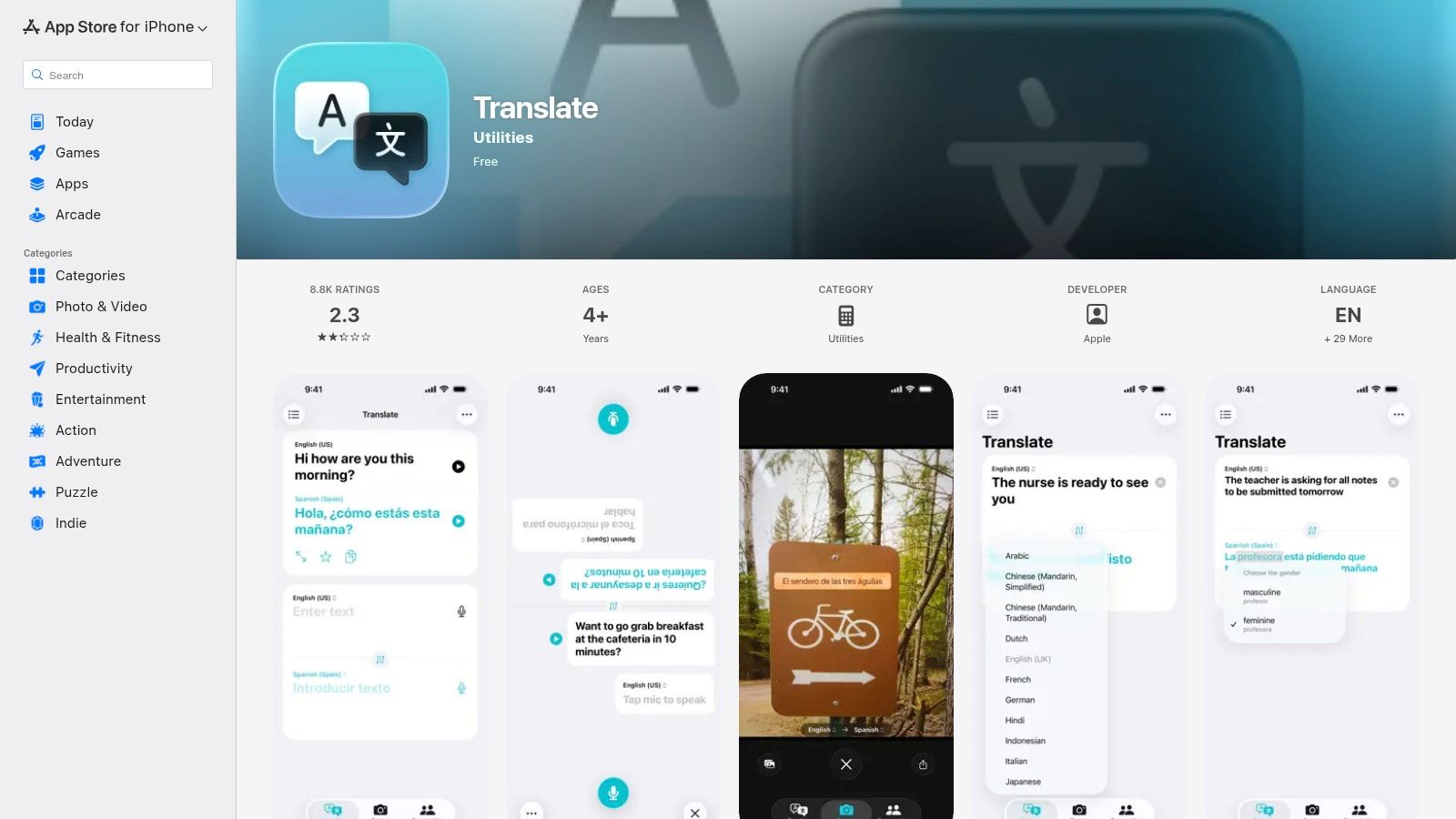
The key differentiator for Apple Translate is its commitment to privacy, with many translations processed directly on the device. This provides peace of mind for sensitive conversations. While its feature set is more streamlined compared to third-party giants and language support is more limited, its simplicity and native feel are significant advantages. The app is perfect for quick, on-the-go translations without the complexity or data concerns of other platforms.
- Best For: Apple users, privacy-conscious travelers, and quick on-device translations.
- Platforms: iOS, iPadOS, watchOS.
- Pricing: Free (built-in).
- Standout Features: Conversation mode with Auto Translate, on-device translation for privacy, system-wide integration.
- Pros: Highly private and secure, simple and clean user interface, no extra downloads or accounts needed.
- Cons: Limited to Apple devices, smaller language library than competitors, fewer advanced features.
- Website: https://apps.apple.com/us/app/translate/id1514844618
3. Microsoft Translator
Where Microsoft Translator truly excels is in its ability to facilitate multilingual group conversations. It's a powerful tool for meetings, classroom lectures, or conference events where multiple people need to communicate across different languages. The standout feature is its multi-device Conversation mode, which allows up to 100 participants to join a session using a simple code. Each person can speak in their own language and receive real-time translated text on their device.
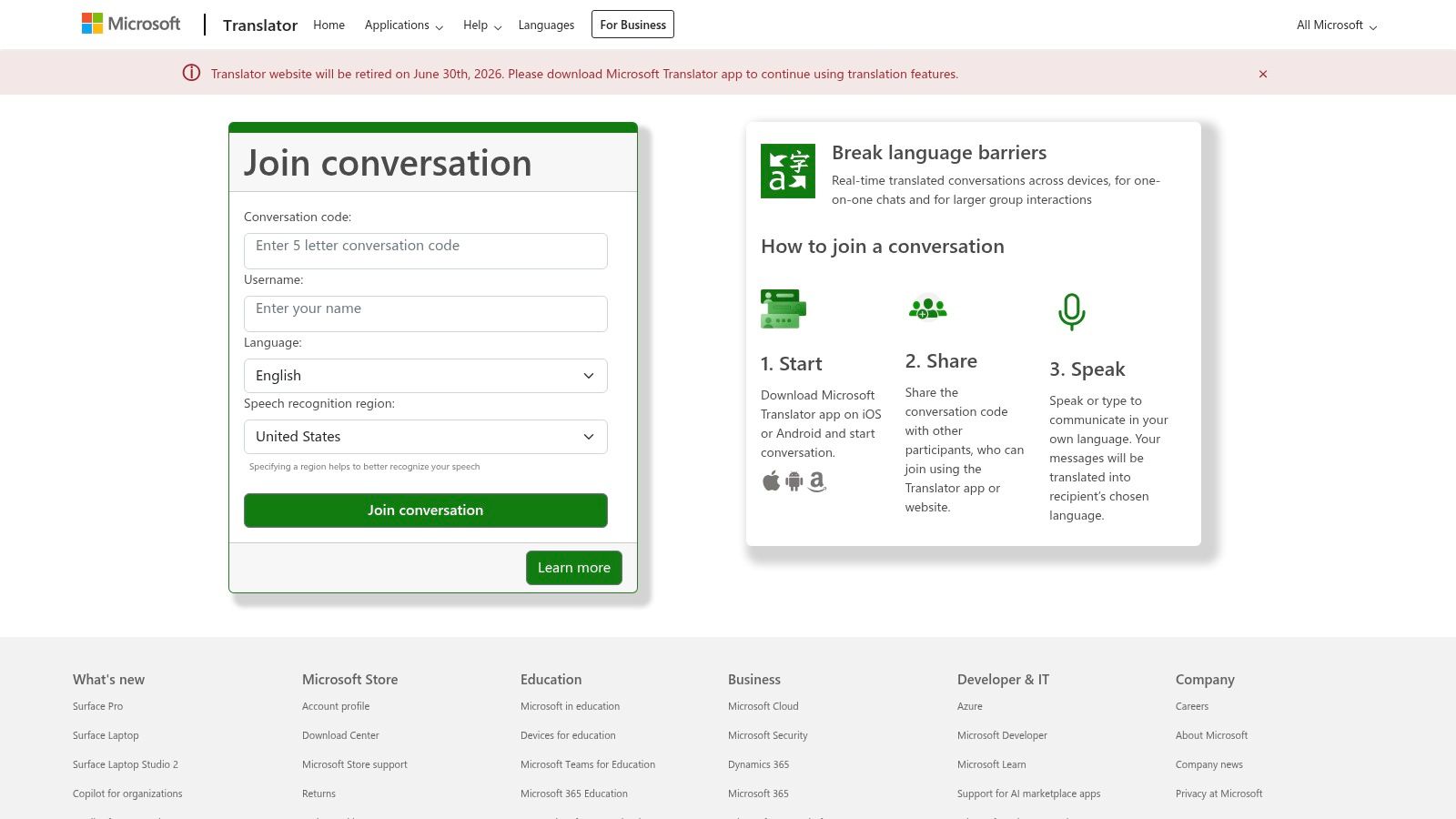
This functionality makes it an invaluable best audio translation app for educational and business settings, enabling inclusive and accessible communication. Participants don't even need the app, as they can join via a web browser at translate.it. While the host needs a Microsoft account to initiate these sessions, the platform is free for all users. Its unique focus on group dynamics sets it apart from more individually-focused translation tools.
- Best For: Group meetings, classroom settings, presentations, and events.
- Platforms: iOS, Android, Web.
- Pricing: Free.
- Standout Features: Multi-device conversations, web join option, transcripts for longer sessions.
- Pros: Excellent for facilitating multi-person, multilingual conversations; completely free.
- Cons: Hosting a conversation requires a Microsoft account; user experience is best on mobile and web.
- Website: https://translator.microsoft.com
4. DeepL
Renowned for its highly nuanced and accurate text translations, DeepL extends its quality to audio through its mobile apps. It’s an excellent choice for users who prioritize translation accuracy over the sheer number of supported languages. The platform features a real-time 'Voice for Conversations' mode designed for bilingual chats, incorporating smart features like autoplay and auto-stop to facilitate a natural conversational rhythm. It also includes a dictation function for straightforward speech-to-text translation.
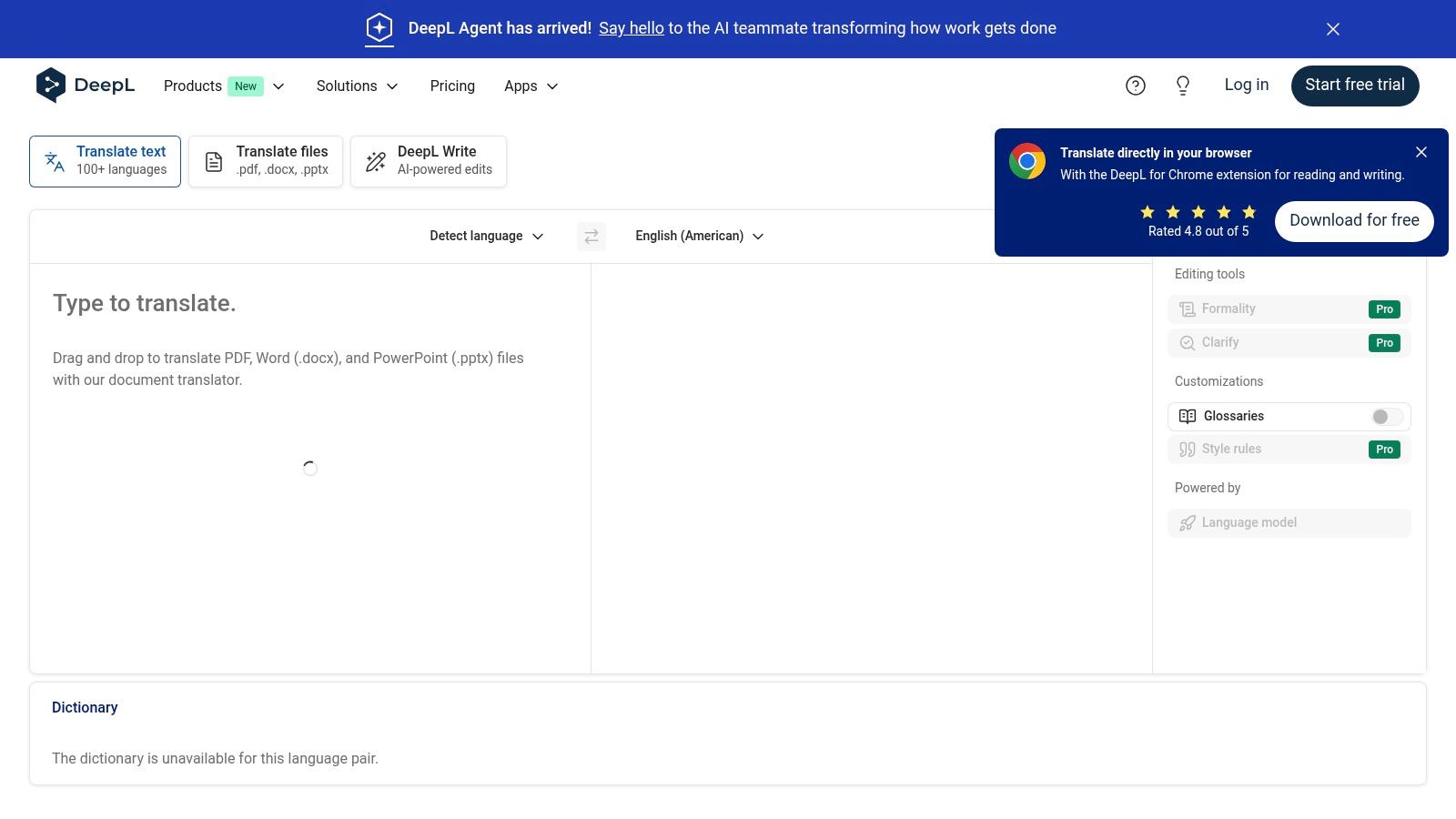
While its text translation is top-tier, the availability of its audio features can sometimes lag behind, with fewer languages supported for speech compared to text. One of its standout conveniences is the ability to easily share conversation transcripts, which is perfect for keeping records of meetings or important discussions. For those who need the most natural-sounding and contextually aware translations, DeepL is a leading contender for the best audio translation app, particularly when clarity and precision are non-negotiable.
- Best For: Professional conversations, business meetings, and situations requiring high accuracy.
- Platforms: iOS, Android, Web, Windows, macOS.
- Pricing: Free with limitations; Pro plans start at $8.74/month.
- Standout Features: High-quality nuanced translations, real-time conversation mode, transcript sharing.
- Pros: Exceptional translation accuracy, clean interface, convenient transcript sharing for record-keeping.
- Cons: Speech feature availability and language coverage trail text translation, advanced features may require a Pro subscription.
- Website: https://www.deepl.com
5. Naver Papago
Often called the "Google Translate of Korea," Naver Papago excels where many others falter: high-quality Korean language translation. Developed by Naver Corporation, South Korea's top search engine provider, this app uses advanced neural machine translation to deliver incredibly nuanced and contextually aware results for Korean. Its voice and conversation modes are smooth and responsive, making it an essential tool for anyone traveling to, or communicating with someone from, South Korea.
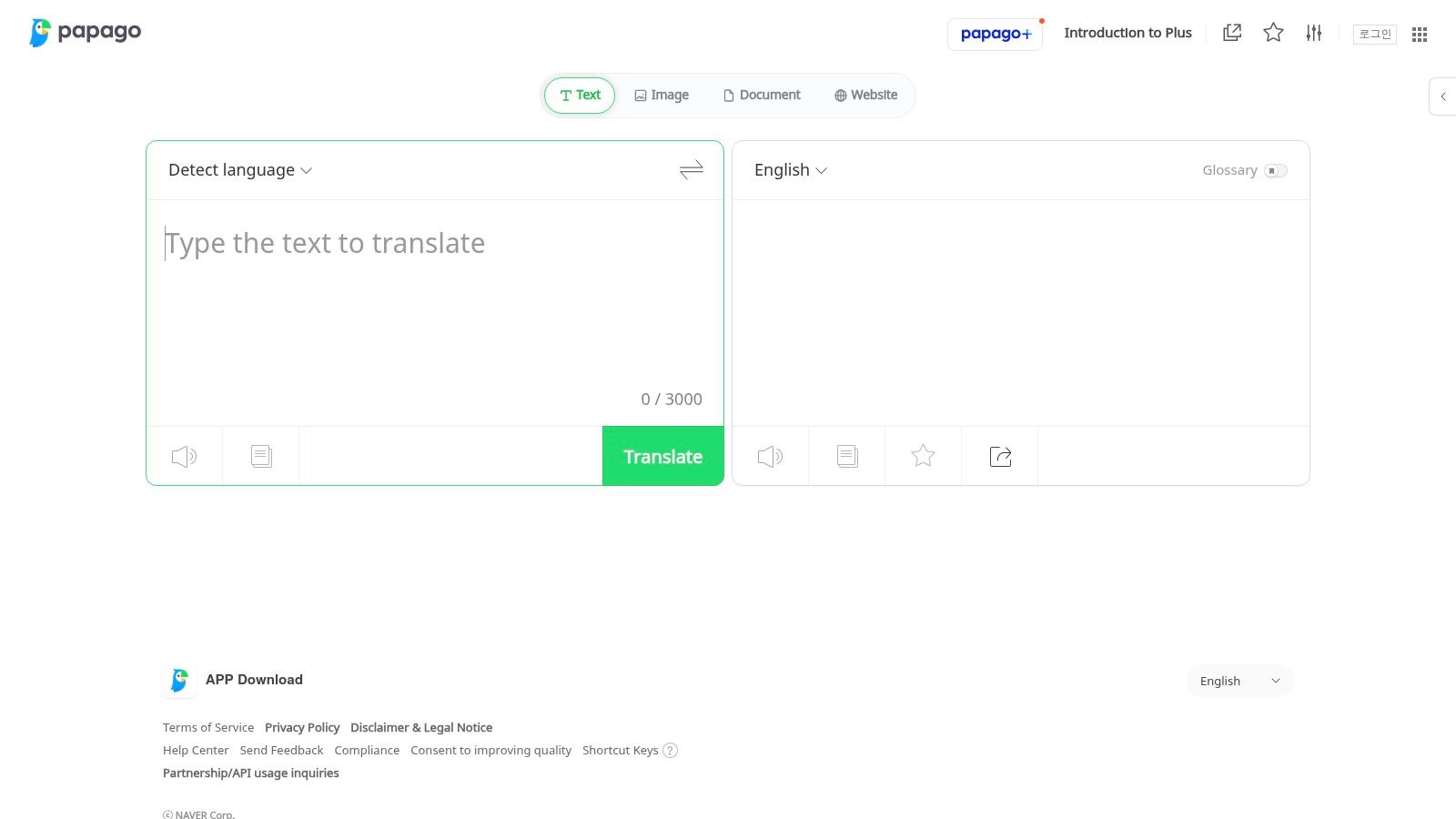
While its language library is smaller than global giants, its specialization makes it the best audio translation app for its core language pairs. The clean interface is user-friendly, and additional features like image and website translation add significant value. While its primary strength is Korean, it also supports other major Asian and European languages with respectable accuracy, making it a powerful and free alternative for specific communication needs.
- Best For: Travelers to South Korea, business professionals, and learners focusing on the Korean language.
- Platforms: iOS, Android, Web.
- Pricing: Free.
- Standout Features: High-accuracy Korean translation, one-on-one conversation mode, offline text packs, image translation.
- Pros: Exceptional performance for Korean, clean and intuitive user interface, completely free.
- Cons: Limited number of supported languages compared to competitors, some users find the app feels heavy.
- Website: https://papago.naver.com
6. ChatGPT (OpenAI) – Advanced Voice Mode
Best known as a powerful AI chatbot, ChatGPT's mobile app also features an advanced voice mode that functions as a highly capable audio translator. This feature enables natural, two-way voice conversations with live transcription, leveraging OpenAI's sophisticated Whisper ASR for remarkable accuracy. Its ability to act as a promptable assistant sets it apart; you can instruct it to act as an interpreter, tailoring its tone and style to the situation. It’s an excellent example of how to use AI in business for seamless multilingual communication.
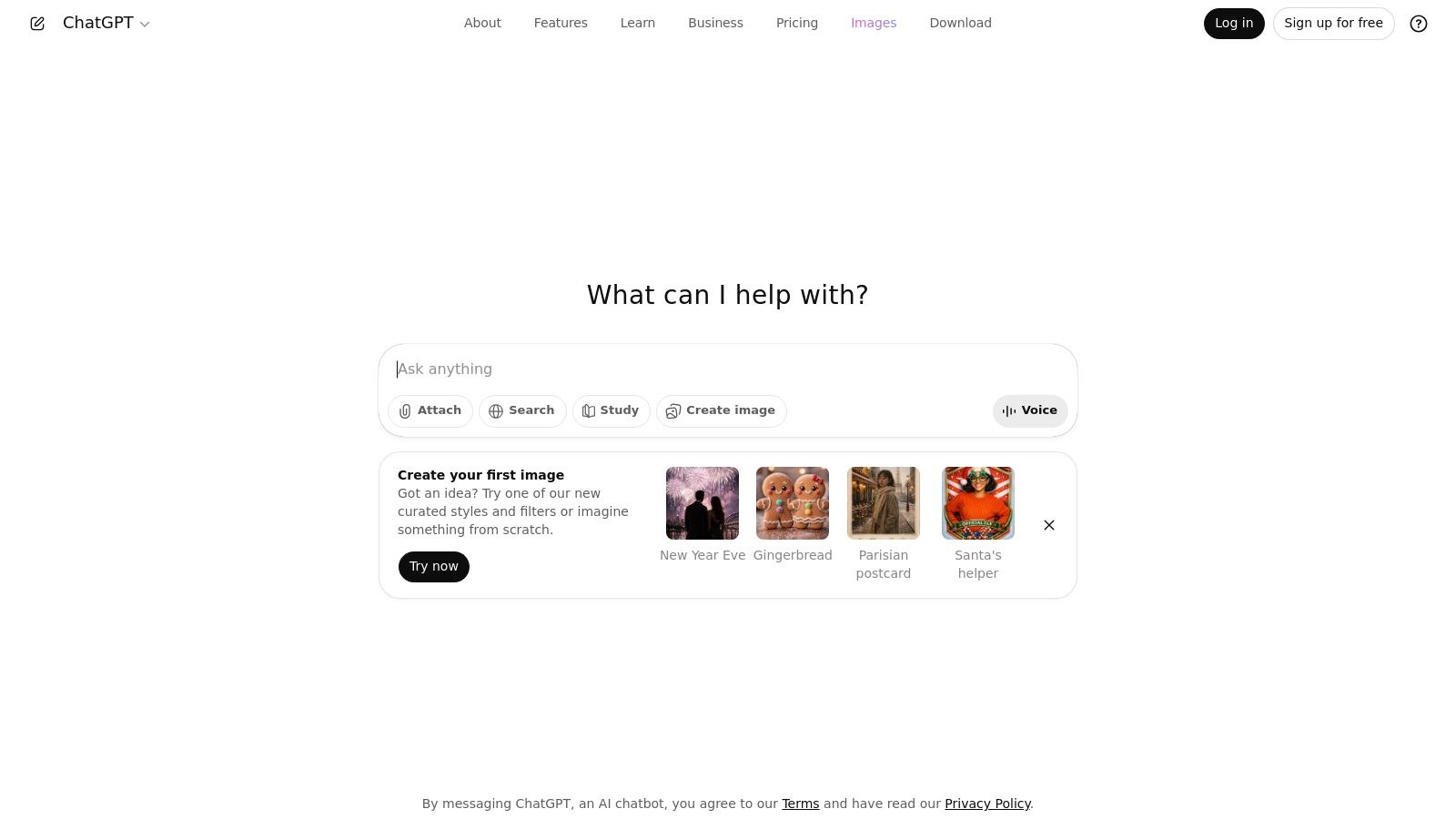
As an integrated AI tool, it excels at contextual understanding, making it more than just a direct translator. This makes it one of the best audio translation app choices for nuanced discussions where context is key. However, its effectiveness for high-stakes or literary translation has limitations, and you can learn why Papago and ChatGPT aren't enough for complex projects. Feature availability and performance also vary between free and paid tiers.
- Best For: Nuanced conversations, business interactions, and users needing an AI assistant and translator in one.
- Platforms: iOS, Android, Web, Desktop.
- Pricing: Free tier available; Paid plans (Plus, Teams, Enterprise) offer access to more advanced models and features.
- Standout Features: Live two-way voice conversation, Whisper-based ASR, multimodal 'see, hear, speak' capabilities, promptable assistant-style interpretation.
- Pros: Very natural-sounding speech, doubles as a versatile AI assistant, continuous improvements to voice UX.
- Cons: Feature availability varies by platform and subscription plan, desktop voice features can be inconsistent.
- Website: https://chat.openai.com
7. Timekettle (Translator Earbuds + App)
Timekettle takes a unique hardware-first approach, pairing dedicated translator earbuds with a powerful companion app. This system is designed for natural, hands-free conversations, moving beyond holding a phone between two speakers. The workflow is optimized for immersive travel and business scenarios, where simultaneous, bi-directional interpretation allows for a more fluid and less intrusive communication experience. It represents a significant step up from purely app-based solutions for those who frequently engage in multilingual dialogues.
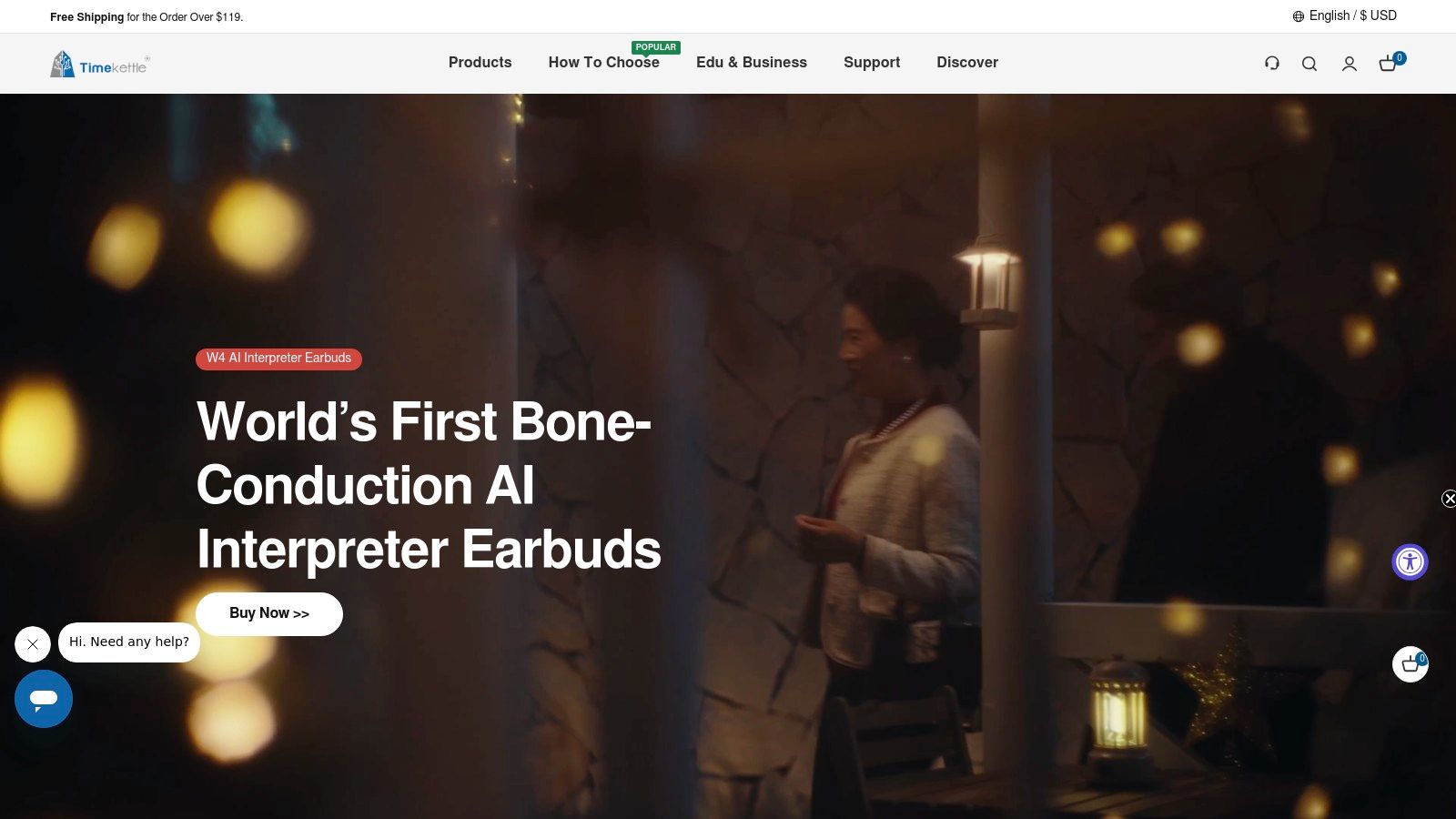
The app itself acts as the control center, allowing users to select languages, switch between modes (like touch, listen, and speaker), and view transcripts. While the core functionality depends on purchasing the hardware, the integrated system makes it a top-tier best audio translation app for dedicated use cases. However, potential buyers should note that some features and offline language packs may require additional purchases or credits, and user reviews on the app's stability are mixed. It’s an investment, but one that offers an unparalleled conversational flow.
- Best For: Frequent travelers, business professionals, and immersive face-to-face conversations.
- Platforms: iOS, Android (requires Timekettle hardware).
- Pricing: Hardware purchase required (varies by model); some in-app purchases may apply.
- Standout Features: Simultaneous two-way interpretation, multiple conversation modes, hands-free earbud-based system.
- Pros: Natural conversational flow, multiple hardware options available, good for noisy environments.
- Cons: Requires a hardware investment, app experience and stability can be inconsistent.
- Website: https://www.timekettle.co
8. Pocketalk
Shifting away from phone-based software, Pocketalk offers a dedicated handheld translator designed for seamless, out-of-the-box use. These devices come with built-in microphones, speakers, a touchscreen, and a multi-year eSIM data plan for global connectivity, eliminating the need to use a personal smartphone. This makes it an ideal solution for business environments or for individuals who prefer not to rely on their phone for translation needs.
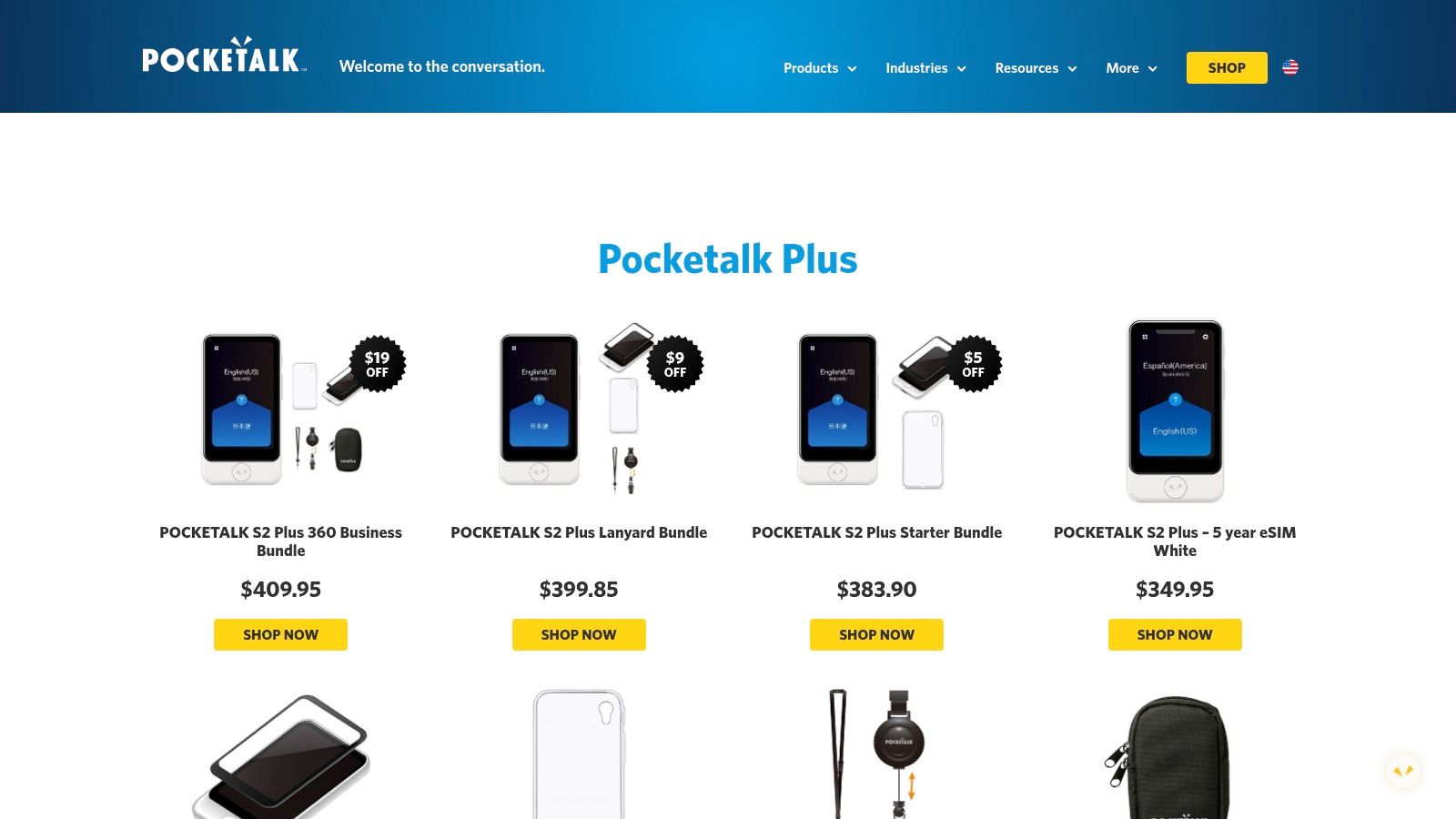
Pocketalk is engineered to capture conversations clearly, even in noisy environments, and supports a vast number of languages and dialects. Its purpose-built hardware makes it a strong contender for the best audio translation app in a device format, particularly for professional settings like healthcare or customer service. The device’s ability to handle nuanced language is a key strength, and you can explore more about how AI handles regional dialects to understand the technology behind it. The main trade-off is the upfront hardware cost compared to free or subscription-based apps.
- Best For: Business use, frequent travelers, and users preferring a dedicated device.
- Platforms: Standalone Hardware.
- Pricing: One-time hardware purchase (starts from $249) with included 2-year data plan.
- Standout Features: Dedicated hardware, bundled global eSIM data, photo translation, business fleet management panel.
- Pros: Works independently of a phone, designed for clear audio capture, excellent for professional environments.
- Cons: Higher initial cost, requires carrying a separate device.
- Website: https://pocketalk.com/en/products
9. Vasco Translator V4
Moving beyond software-only solutions, the Vasco Translator V4 is a dedicated hardware device designed for superior real-time speech translation. Its key advantage is the included SIM card that provides free, unlimited, and lifetime global data in nearly 200 countries, eliminating the need for Wi-Fi or costly roaming plans. This makes it an ideal companion for serious international travelers who need guaranteed connectivity. The device leverages multiple translation engines to enhance accuracy and is built with noise-reducing microphones and a loud speaker to perform well even in crowded, noisy environments like markets or train stations.
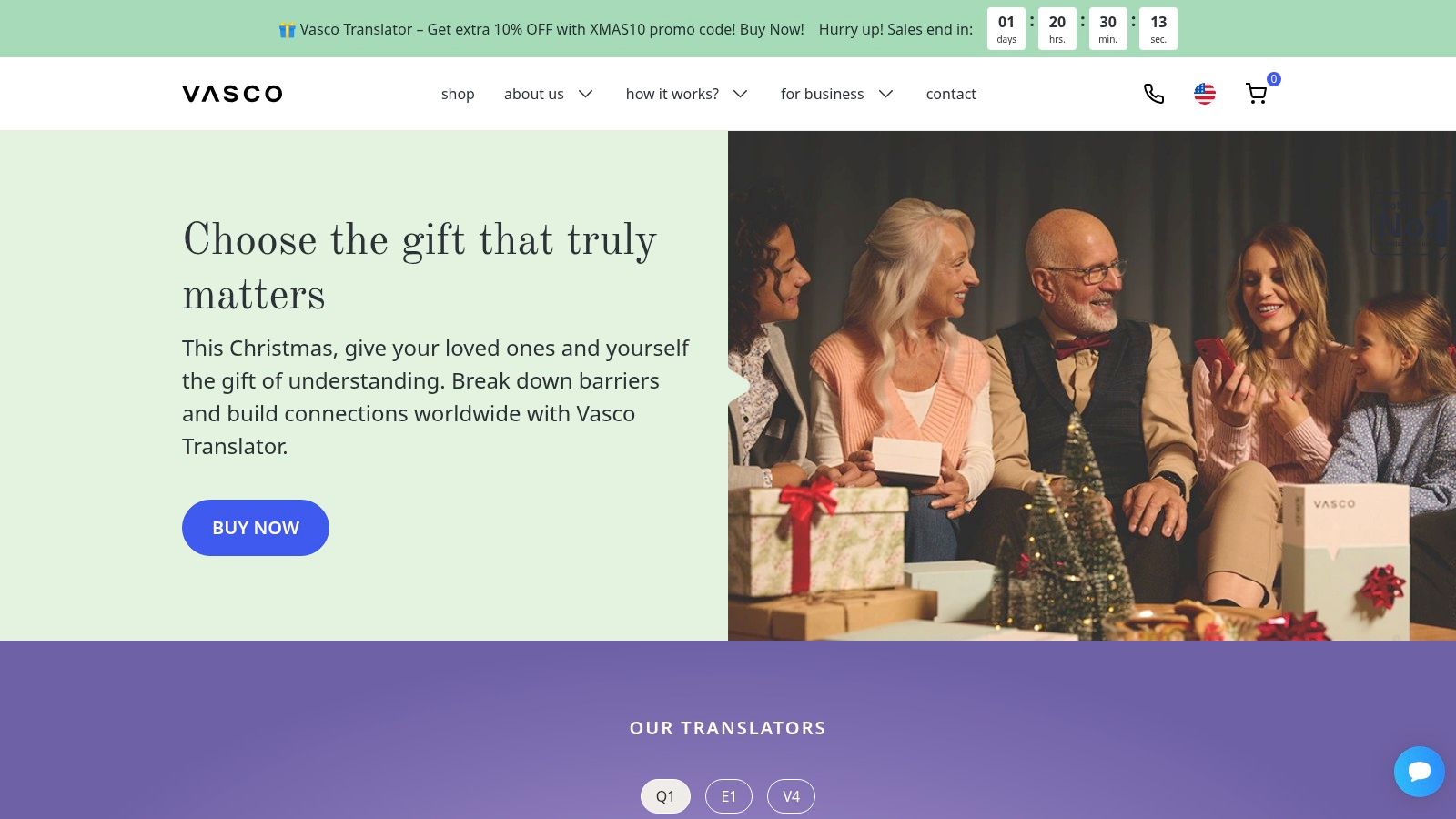
While it requires a significant upfront investment compared to a phone app, its specialized hardware and all-inclusive data package make it a uniquely reliable best audio translation app for those who prioritize performance and convenience over cost. The MultiTalk feature is also notable, allowing for group conversations with up to 100 people speaking different languages, a powerful tool for international business meetings or tour groups.
- Best For: Frequent international travelers, business professionals, and users in areas with unreliable Wi-Fi.
- Platforms: Dedicated hardware device.
- Pricing: Premium one-time purchase (around $389), includes free lifetime global data.
- Standout Features: Free lifetime global data, noise-reducing microphones, MultiTalk group chat, photo translation.
- Pros: No recurring data fees, excellent performance in noisy settings, simple and focused interface.
- Cons: High initial cost, another device to carry besides a smartphone.
- Website: https://vasco-translator.com
10. Skype – Translated Conversations
For those already integrated into the Microsoft ecosystem, Skype offers a surprisingly powerful built-in translation feature that turns the familiar communication platform into an effective cross-language tool. Its Translated Conversations function provides real-time voice translation during audio or video calls, displaying the translated text as subtitles. This makes it ideal for business meetings, international interviews, or personal calls with friends and family who speak different languages, leveraging a tool many already have installed.
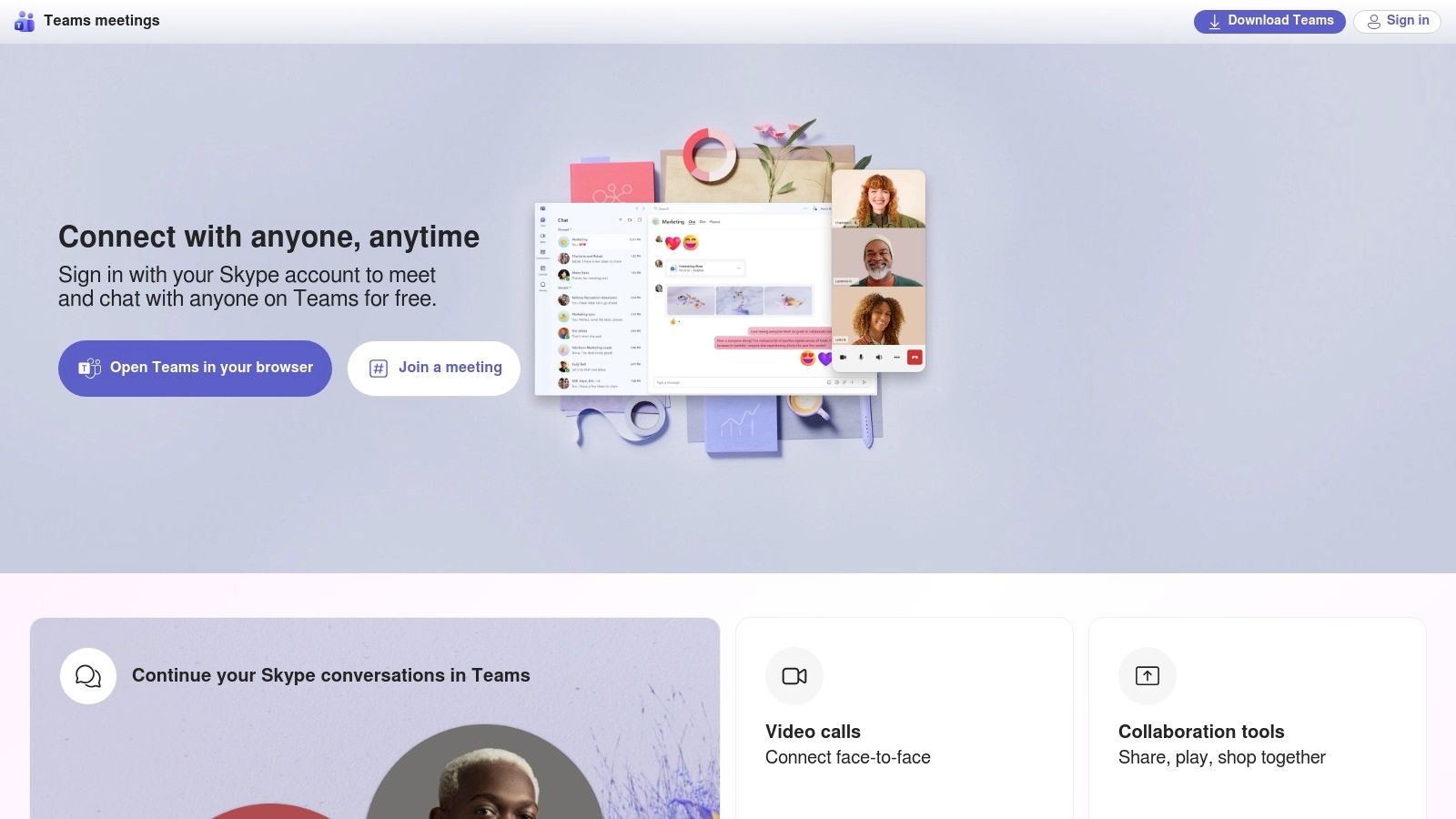
While it excels within its own environment, its utility is confined to calls made through the platform. The quality is generally reliable but can be affected by network conditions and the clarity of the speakers. If you're looking to broaden your options beyond Skype for international communication, including those that might offer similar features or cost benefits, explore these 12 Best Skype Alternatives for International Calls. Still, for existing users, this is arguably the best audio translation app for seamless, integrated conversations.
- Best For: International business calls, personal video chats, and users already familiar with Skype.
- Platforms: iOS, Android, Web, Windows, macOS, Linux.
- Pricing: Free for Skype-to-Skype calls; standard rates apply for calls to mobiles/landlines.
- Standout Features: Real-time call translation with subtitles, choice of translated voice gender, works for calls to landlines (PSTN).
- Pros: Integrated into a widely-used platform, no additional app needed, supports a good range of languages.
- Cons: Both parties must enable the feature, translation quality is dependent on connection speed and audio clarity.
- Website: https://www.skype.com
11. Zoom – Translated/AI Captions
While not a standalone translator, Zoom has evolved into a powerful communication platform with integrated audio translation capabilities. Its real-time translated captions feature is a game-changer for international meetings, webinars, and virtual classrooms, making conversations accessible to a global audience. This functionality is built directly into the interface that millions of users are already familiar with, removing the need for third-party tools during live events.
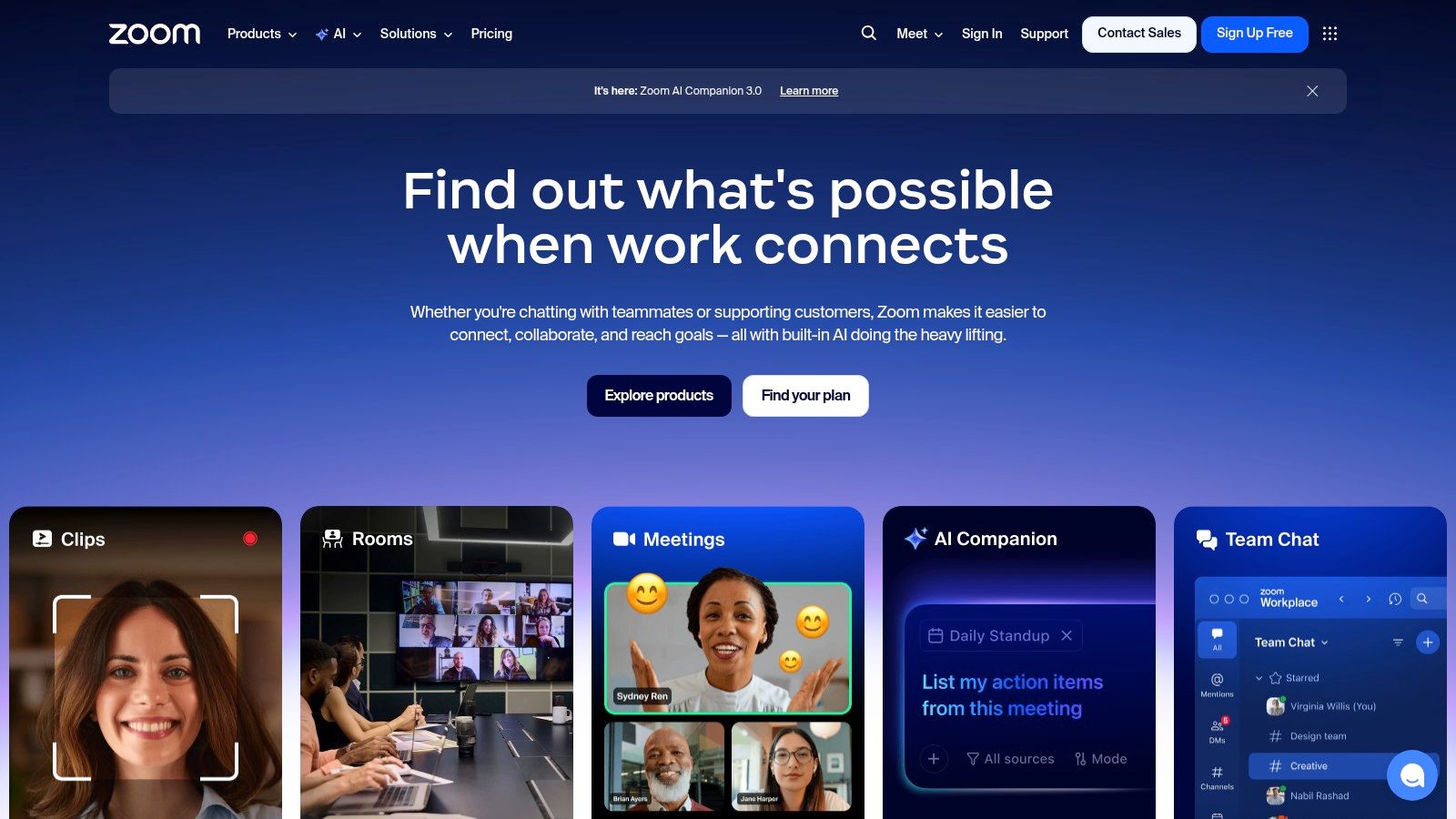
The primary benefit is seamless integration; participants can simply enable captions and select their preferred language. As a best audio translation app for professional settings, it excels at making large-scale communication inclusive. However, the most advanced features, including translated captions, are typically part of paid add-ons or higher-tier business and enterprise plans. Accuracy can also sometimes be a challenge with specific accents or technical jargon, but for general business communication, it is a highly effective solution.
- Best For: Multilingual business meetings, webinars, and online classes.
- Platforms: macOS, Windows, iOS, Android, Web.
- Pricing: Core features are part of paid Zoom One plans (Business Plus or higher) or as a paid add-on.
- Standout Features: Real-time translated captions, automated AI-powered captioning, integration with recordings and transcripts.
- Pros: Integrated into a widely used platform, scales well for large audiences, customizable per user.
- Cons: Not a dedicated translation app, best features require paid plans, occasional accuracy issues.
- Website: https://www.zoom.com
12. Lingvanex Translator
Lingvanex positions itself as a robust, multi-platform solution with a strong emphasis on offline functionality and security. Its ability to translate voice, images, and entire documents makes it a versatile tool for both personal and professional use. The extensive offline language packs are a key differentiator, providing reliable translations in areas with poor or nonexistent internet connectivity, which is ideal for international travelers or professionals working in secure environments.
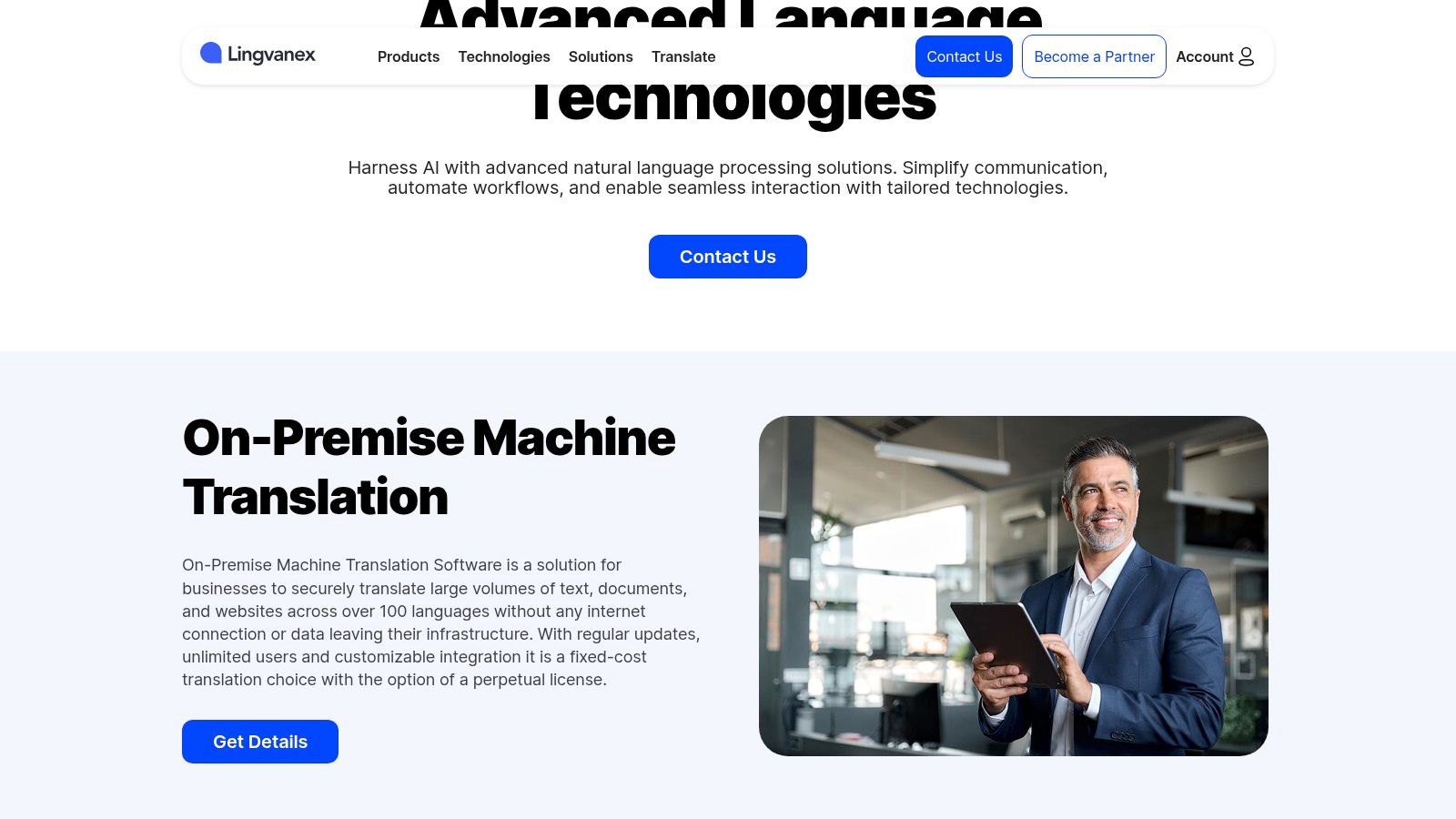
Its desktop apps, available for both macOS and Windows, include clever integrations like hotkeys for instant text translation in other applications, boosting productivity. While a free version exists, unlocking the full potential of this best audio translation app, such as unlimited offline translations, requires a subscription. Users should also note that feature availability can sometimes vary slightly between the mobile and desktop platforms, so it's wise to check that your primary device has the specific tools you need.
- Best For: Offline use, frequent travelers, and desktop users needing quick integrations.
- Platforms: iOS, Android, macOS, Windows, Web.
- Pricing: Free basic version; Premium subscription from $5.83/month.
- Standout Features: Extensive offline language packs, document and file translation, desktop app hotkeys.
- Pros: Strong offline capabilities, broad platform support, versatile translation types (voice, text, image, file).
- Cons: Advanced features and offline access require a paid subscription, feature sets can vary by platform.
- Website: https://lingvanex.com
Top 12 Audio Translation Apps — Quick Comparison
| Product | Core focus & content support | Quality / UX ★ | Unique strengths ✨ / 🏆 | Pricing / Value 💰 | Target audience 👥 |
|---|---|---|---|---|---|
| BookTranslator.ai | Long-form book/EPUB translation; preserves layout, chapters & voice | ★★★★☆ | ✨Preserves formatting & voice · 🏆50+ langs · token-based pay-per-book | 💰 $5.99 /100k (Basic) · $9.99 /100k (Pro) · no subs | 👥 Authors, publishers, readers, researchers |
| Google Translate | General text, speech, camera; instant & offline packs | ★★★☆☆ | ✨Wide language coverage · instant camera/photo translation | 💰 Free | 👥 Travelers, casual users |
| Apple Translate | On-device text/voice/camera with privacy focus | ★★★☆☆ | ✨On-device privacy · Auto Translate for conversations | 💰 Free (iOS) | 👥 Apple users, privacy-conscious |
| Microsoft Translator | Speech/image/group convo & transcripts for events | ★★★☆☆ | ✨Multi-device group conversations (up to 100) | 💰 Free | 👥 Meetings, classrooms, events |
| DeepL | High-quality text translation; voice features growing | ★★★★☆ | ✨Nuanced translations · transcript sharing | 💰 Free / Pro tiers for advanced features | 👥 Professionals, translators |
| Naver Papago | Korean-focused pairs; voice/camera/offline support | ★★★☆☆ | ✨Strong Korean↔major pairs performance | 💰 Free | 👥 Travelers to Korea, Korean learners |
| ChatGPT – Advanced Voice | Live two-way voice, multimodal assistant-style translation | ★★★★☆ | ✨Promptable, natural voice · multimodal assistant | 💰 Free tier / Paid for advanced access | 👥 Power users, conversational workflows |
| Timekettle (Earbuds + App) | Hands-free, earbud-based real-time translation | ★★★☆☆ | ✨Natural earbud workflow for live convo | 💰 Hardware one-time + optional in-app credits | 👥 Travelers, business users needing hands-free |
| Pocketalk | Standalone handheld translator with bundled eSIM | ★★★☆☆ | ✨Out-of-box global data · business fleet options | 💰 Hardware one-time (+ possible data bundles) | 👥 Travel staff, organizations needing dedicated devices |
| Vasco Translator V4 | Premium handheld w/ lifetime SIM & noise reduction | ★★★★☆ | ✨Lifetime global data · noise reduction · 80+ langs | 💰 Premium one-time hardware cost | 👥 Frequent travelers, noisy-environment users |
| Skype – Translated Conversations | Real-time translated captions in audio/video calls | ★★★☆☆ | ✨Integrated call captions & PSTN support | 💰 Free / Pay for PSTN calls | 👥 Skype users, remote callers |
| Zoom – Translated/AI Captions | AI captions & translated transcripts for meetings/webinars | ★★★☆☆ | ✨Scales for webinars · enterprise accessibility tools | 💰 Free / Paid enterprise add-ons | 👥 Enterprises, educators, event hosts |
| Lingvanex Translator | Offline packs, file/document translation & desktop hotkeys | ★★★☆☆ | ✨Strong offline & desktop integrations | 💰 Free / Subscription for advanced/offline | 👥 Secure/offline environments, professionals |
Making Your Final Choice and Handling Long-Form Content
Navigating the landscape of audio translation technology reveals one clear truth: the best audio translation app is the one that aligns perfectly with your specific, immediate need. We've explored a dozen powerful options, from ubiquitous, free services to specialized hardware, each excelling in its own domain. Your final decision should be guided by a clear understanding of your primary use case.
Recapping Your Best Options
For the spontaneous needs of global travel, the convenience of Google Translate or the seamless iOS integration of Apple Translate makes them unbeatable companions. They are quick, accessible, and more than capable of handling everyday conversations, ordering food, or asking for directions.
When your requirements shift to a professional setting, such as multilingual business meetings or academic conferences, the landscape changes. Here, platforms like Microsoft Translator and Zoom shine with their multi-device conversation modes and live captioning features. For tasks where linguistic precision and contextual nuance are non-negotiable, DeepL’s superior translation engine remains a top-tier choice, especially for European languages.
For those seeking a truly immersive and hands-free experience, dedicated hardware is the answer. Timekettle's translator earbuds offer a futuristic, discreet solution for natural dialogue, while devices from Pocketalk and Vasco provide robust, all-in-one tools designed for serious travelers and professionals who need reliability without depending on their smartphone.
The Critical Shift: Handling Long-Form Audio
A crucial takeaway from this guide is recognizing the limitations of real-time translation tools. Apps designed for live conversation are optimized for short, transactional exchanges. They are not built to handle the complexity, length, and structural integrity of long-form audio content like an entire audiobook, a multi-hour university lecture, or a detailed research interview.
Attempting to translate a full-length book or extensive audio file with a real-time app will lead to inaccuracies, loss of context, and a disjointed final product. The proper workflow for this kind of project is a two-step process:
- Transcription First: Begin by converting the long-form audio into a precise text document. Use a dedicated, high-quality speech-to-text service to ensure you have an accurate transcript to work with.
- Specialized Translation: Once you have the text, use a tool specifically designed for long-form content. This is where the distinction between a simple app and a professional-grade platform becomes vital.
By understanding this distinction, you can select the right tool for the right job every time. Whether you need a quick translation on the go or a meticulously crafted version of a lengthy audio work, the technology exists to bridge the language gap. The key is to match the tool's capabilities to the scope and importance of your task, ensuring your message is not just heard, but truly understood.
Ready to translate an entire audiobook, e-book, or lengthy manuscript? When your audio content has been transcribed and demands the precision of professional-grade translation, BookTranslator.ai is the next step. Our platform is engineered to handle the nuances of long-form content, preserving your original voice and structure for a global audience. Visit BookTranslator.ai to start your project today.