An AI image translator is a fascinating piece of tech that essentially reads text right off an image—think of a comic book panel, a street sign in a foreign country, or an old scanned document—and then translates it into a language you can actually understand. It's like having a universal decoder in your pocket.
Translating Words Trapped in Pictures
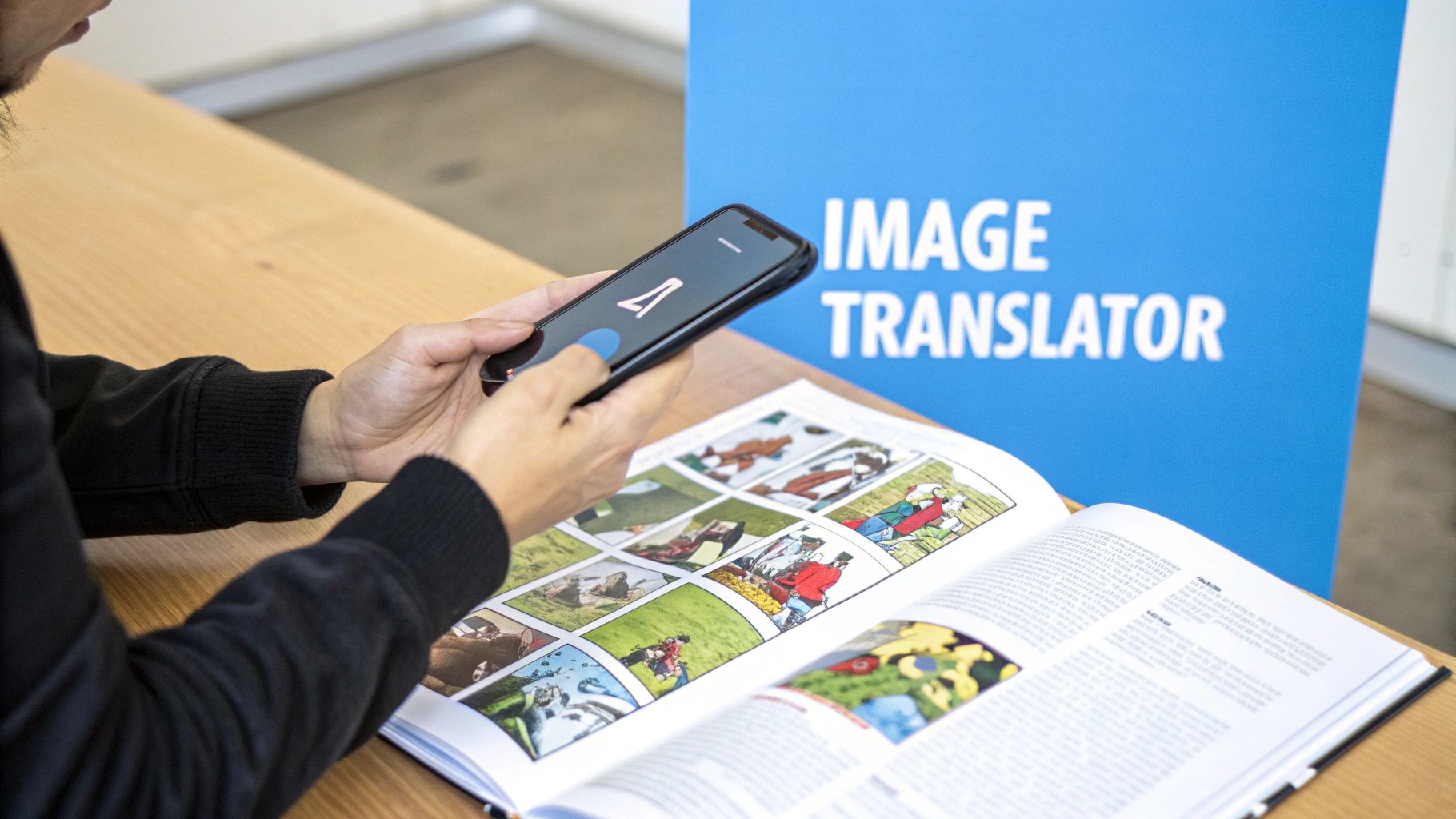
Ever found yourself looking at a great manga panel or a confusing menu while on vacation, wishing you could just highlight the text and pop it into a translator? That's a common headache. Text locked inside an image is a communication barrier, and it’s the exact problem these AI tools are built to solve.
At its core, this technology is a digital decoder. It doesn't just "see" the image; it actually reads it. It pulls this off by blending two powerful AI technologies to break down the visual data and then put it back together as meaningful text in a completely different language.
How an AI Image Translator Works
It all happens through a clever two-step process that feels almost instant. First, the software uses Optical Character Recognition (OCR) to scan the image, find all the characters, and pull them out as raw text. Then, that text is fed into a Neural Machine Translation (NMT) engine, which does the heavy lifting of converting it into your chosen language.
If you're curious about the first part of that equation, our guide to mastering OCR offers a much deeper look at how the scanning and extraction magic happens.
Think of it this way: an AI image translator first acts like a digital eye that reads the text in a picture. Then, it switches hats and becomes a skilled linguist to translate what it just read. This elegant one-two punch unlocks information that used to be completely stuck.
Quick Answer: How an AI Image Translator Works
At its core, an AI image translator uses a two-step process to convert text from an image into another language.
| Step | Technology Used | What It Does |
|---|---|---|
| 1. Text Extraction | Optical Character Recognition (OCR) | Scans the image to identify letters, numbers, and symbols, then converts them into machine-readable text. |
| 2. Language Conversion | Neural Machine Translation (NMT) | Takes the extracted text and translates it from the source language into the target language. |
This simple-sounding process has some seriously practical applications. For anyone who works with scanned books, screenshots, or physical documents, the value is immediate.
An AI image translator can help you:
- Unlock global content: Read comics, articles, and social media posts from other cultures without having to wait for someone else to translate them.
- Boost your productivity: Instantly digitize and translate text from scanned contracts, business reports, or presentation slides.
- Navigate the world: Decipher street signs, product labels, and restaurant menus on the fly when you're traveling.
This guide will pull back the curtain on how these tools work, breaking down the complex AI into straightforward concepts. We'll explore the real-world magic of turning pixels into words, making content from around the globe accessible to anyone.
How Does Image Translation Actually Work?
So, how does an AI image translator pull off this magic trick? Think of it like a two-person team working together. The first person is a super-sharp detective, and the second is a brilliant linguist. They have to work in perfect harmony to turn a picture with foreign text into something you can actually read.
This dynamic duo of technologies is really what powers any image translation tool you'll find today. Each part has a very specific job, and together, they bridge the gap between a simple picture and a crystal-clear translation.
Step 1: The Detective Work (OCR)
The whole thing starts with a technology called Optical Character Recognition (OCR). This is our detective. When you upload an image, the OCR’s job is to scan it pixel by pixel, hunting for anything that looks like a letter, number, or symbol.
It's a lot like a detective dusting for fingerprints. The OCR system analyzes the unique shapes and patterns to identify each character. It then carefully lifts this text away from the image background, turning static pixels into editable, digital words. Essentially, Optical Character Recognition (OCR) is what gets the text out of the picture. Once the detective has gathered the evidence—the raw text—the case file gets passed to our linguist.
Step 2: The Language Expert (NMT)
Now that we have the text, the second technology, Neural Machine Translation (NMT), takes over. This isn't your old, clunky translation software that just swapped words one-for-one. Modern NMT models have been trained on mountains of text, which means they can understand context, grammar, and even subtle nuances.
This AI linguist acts more like a human translator. It doesn't just look at individual words; it analyzes entire sentences to figure out the real meaning. The result is a translation that feels natural and makes sense in context. You can dive deeper into how this works for larger documents in our guide on AI translation for books.
The impact of this one-two punch is massive. The broader translation services industry, now supercharged by AI that can handle visual content like book scans, hit a staggering $71.7 billion in 2024. For researchers and academics, it's a game-changer, giving them up to 40% more access to non-English studies. That’s huge, especially when you consider over 70% of scientific papers are published in languages other than English.
At its heart, an AI image translator is a partnership between OCR and NMT. The OCR acts as the extractor, pulling the text out of the image. Then, the NMT gives that text a new voice in another language, all while keeping the original meaning intact.
This entire sophisticated process happens in just a few seconds, unlocking information that was once trapped inside an image.
Real-World Uses for AI Image Translators
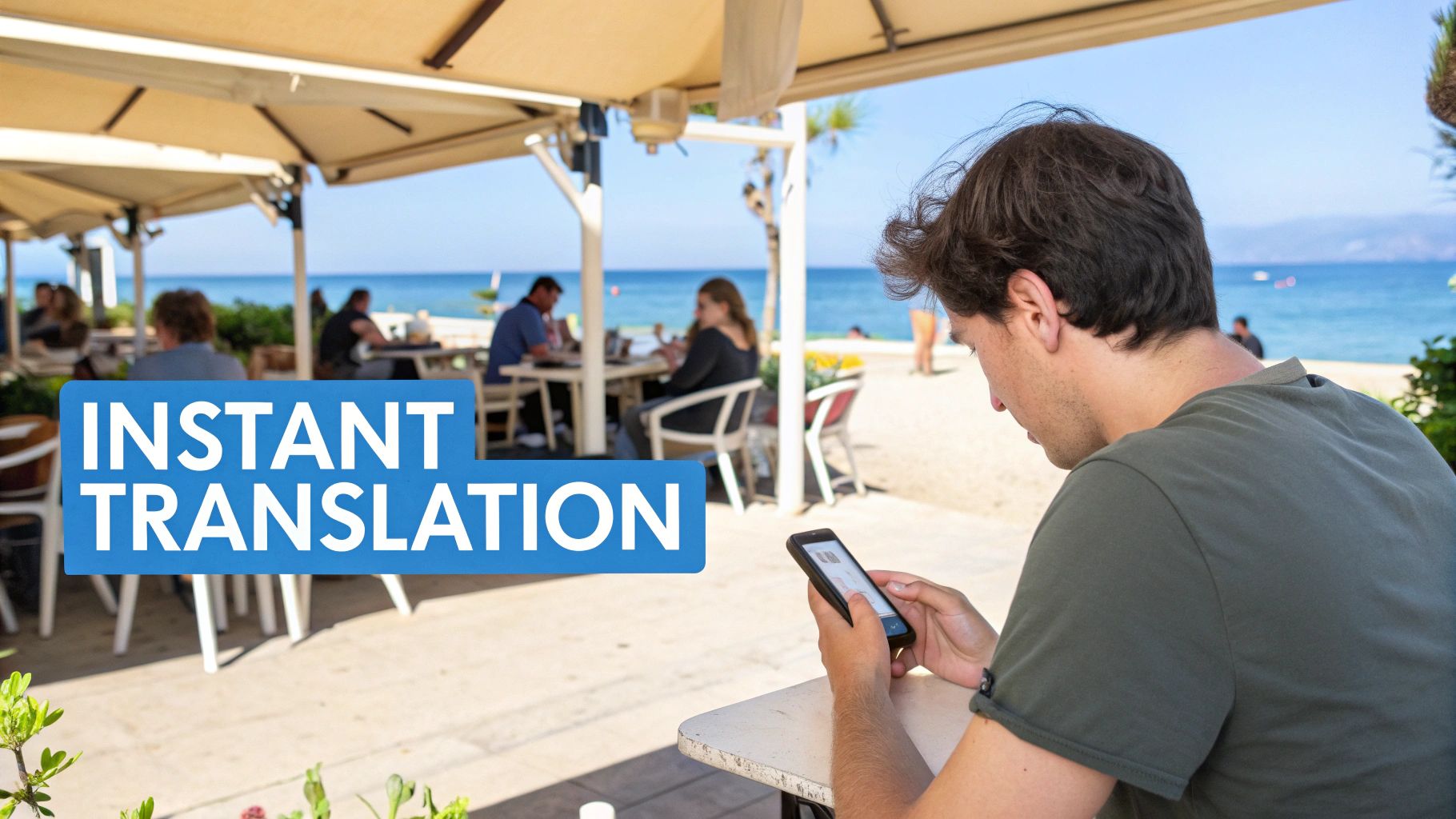
The technology behind image translators is fascinating, but what really matters is how they solve real problems. This isn't just some gimmick for a tech demo; it's a genuinely useful tool that helps people break down language barriers every single day, making the world feel a little smaller and more connected.
From enjoying a hobby to getting critical work done, these tools are finding their place. They give us a key to unlock a global library of visual information that was previously out of reach.
For Global Entertainment and Travel
If you're a fan of international media, you know the pain of waiting for official translations of comics, manga, or webtoons. AI image translators change the game, giving you a way to read stories from around the world almost as soon as they’re released. No more waiting.
They’re also a traveler’s best friend. Think about it: you can just point your phone’s camera at a menu in a small Parisian cafe, a sign at the Tokyo airport, or a train schedule in Berlin, and the text instantly morphs into your own language. It takes so much of the stress and guesswork out of navigating a new country.
This kind of instant translation is quickly becoming a standard feature. Many of the latest smartphones, including those with the Samsung Galaxy S24 AI features, have this capability built right in, powered by sophisticated on-device image and text recognition.
For Professional and Academic Work
In a professional setting, an AI image translator is a serious productivity tool. It lets you pull key information from visual sources on the fly, without having to wait for a manual translation.
Here are a few ways people are using them at work:
- Translating Presentation Slides: Grab a screenshot from a foreign colleague’s presentation and understand it in seconds.
- Digitizing Scanned Documents: Turn scanned contracts or invoices from an international partner into editable, translated text.
- Understanding Product Labels: Analyze packaging and instructions from imported goods without needing to hire a translator for basic tasks.
For students and academics, these tools open up entire archives of knowledge. Old library books and academic papers that haven't been digitized can suddenly become searchable and readable, giving you access to a world of primary sources.
The technology driving this shift is growing at an incredible pace. The market for generative AI in language translation is expected to jump from $0.7 billion in 2023 to a staggering $4.5 billion by 2033. That tells you just how important this is becoming.
This massive investment is all about making global information accessible to everyone. Tech companies are pouring billions into AI that can see and translate simultaneously, which is a huge win for anyone needing to turn a picture into words they can understand. You can dig deeper into the numbers on this rapidly growing market.
Understanding the Limits of AI Translation
AI image translation is a powerful tool, but it's not magic. To get the most out of it, you have to know where it shines and, more importantly, where it stumbles. Think of it less as a flawless polyglot and more as a brilliant but sometimes literal-minded assistant. Knowing its weak spots helps you sidestep potential problems and know when you still need a human expert.
The first and most common hurdle? The quality of the image you start with. If a picture is blurry, low-resolution, or taken in bad lighting, the OCR—the part of the AI that "reads" the text—is going to have a rough time. This is where you get "garbled text," a jumble of misinterpreted letters and symbols that makes a decent translation impossible from the get-go.
Common Quality Hurdles
Even a crystal-clear image can throw a curveball at the AI. Highly stylized or artistic fonts, for example, can be tough for an OCR system trained on standard text to recognize.
Here are a few other common tripwires to look out for:
- Handwritten Notes: Cursive, in particular, is a nightmare for most AI. The more unique the handwriting, the less accurate the transcription.
- Complex Backgrounds: Text layered over a busy pattern or a detailed photograph can confuse the AI, making it hard to distinguish the letters from the background noise.
- Curved Surfaces: Trying to read text off a soda can or a warped book page? The distortion can lead to some pretty creative, but incorrect, character recognition.
But getting the words right is only half the battle. Even with a perfect text extraction, the translation itself can miss the mark, and the original layout can get completely lost in the process. This is a huge deal when you're translating something like an e-book, where images and text placement are part of the experience. Learning how AI preserves graphics in EPUB translations shows just how complex this specific challenge can be.
An AI might translate words with technical precision but completely miss the joke. It lacks the shared cultural context that allows a human to understand why a certain phrase is funny, ironic, or profound in its original language.
This gets to the core limitation of any AI translator: nuance. AI struggles to catch idioms, slang, sarcasm, and deep-seated cultural references. It translates the literal words on the page, not the intended meaning behind them.
For a quick translation of a street sign, that’s perfectly fine. But for a novel, a marketing slogan, or anything where tone and subtext are crucial, that gap can fundamentally change the message. Understanding these limits is the key to using the technology wisely—let it handle the heavy lifting on straightforward jobs, but keep a human in the loop for anything that requires a true feel for the language.
A Practical Workflow for Translating Full Books
So, you want to translate an entire book from a stack of scanned images? It sounds like a massive project, but if you break it down, it's totally manageable. For authors, researchers, or just avid readers, turning physical scans into a fully translated digital book is a game-changer. Here’s a workflow that connects the dots, taking you from a pile of images to a finished product.
The first thing to realize is that you're not translating images directly. You need to pull the text out first. Your initial mission is to get all those scanned pages converted into a single, clean digital document.
Step 1: Extract the Text with High-Quality OCR
Before a single word can be translated, you have to free the text from its pixel prison. This is a job for a solid Optical Character Recognition (OCR) tool. Don't even think about doing this one image at a time—you’ll want a service that can handle batch processing to chew through all your pages at once.
This part is all about efficiency. A good batch OCR tool will scan every image, recognize the text, and spit it all out into one continuous, editable file, like a .txt or .docx. The quality of this initial text extraction sets the stage for everything that follows, so using a reliable OCR from the get-go is key to minimizing headaches later on.
Step 2: Clean and Format the Raw Text
Once you have your raw text file, it's time to roll up your sleeves for a bit of cleanup. No OCR is perfect. You'll almost certainly find little mistakes—a misread character here ("l" instead of "1"), a weird line break there.
Take the time to proofread the extracted text while comparing it to your original scans. Fix any recognition errors and make sure the formatting makes sense, with proper paragraphs and chapter breaks. This manual check is your best bet for feeding the machine translation engine the cleanest possible text, which makes a huge difference in the final translation's accuracy and readability.
The image below gives you a good idea of what can trip up an OCR system in the first place.
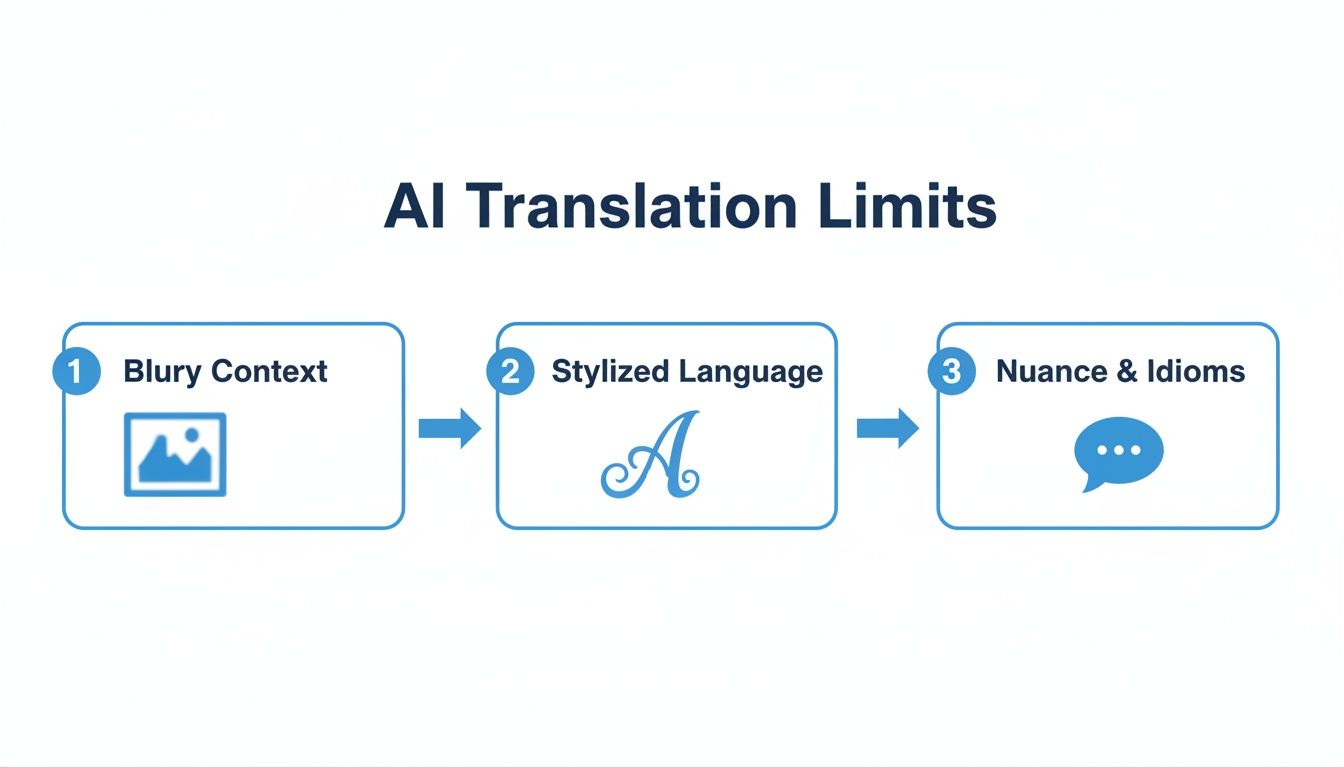
As you can see, things like blurry scans or funky fonts are often the culprits behind OCR errors, which is exactly why a thorough cleanup is so important.
Step 3: Convert to EPUB and Translate
With a polished text document in hand, you're on the home stretch. The final goal is to create a standard e-book file, and EPUB is the format you want. It’s the industry standard. Just use a simple converter tool to turn your .docx or .txt file into an EPUB.
Now you’ve got a universally compatible e-book, ready for translation. This is where a dedicated service like BookTranslator.ai really shines.
- Upload Your EPUB: Drag and drop the clean EPUB file you just made.
- Select Your Language: Pick from over 50 languages.
- Translate the Book: The AI gets to work, translating the entire book while keeping the chapter structure and formatting you worked so hard to clean up.
This approach turns what seems like a monumental task into a simple, three-step process. It gives you the control to digitize and translate entire physical books with real precision.
How to Choose the Right Image Translation Tool
The market for AI image translators is exploding, and trying to find the right one can feel a bit like wading through a crowded bazaar. It's easy to get overwhelmed. Some tools are perfect for a quick, one-off job, while others are built like workhorses, ready to tackle a whole library of scanned books. The trick is to match the tool to your specific project.
If you just need to figure out a restaurant menu on vacation, a simple mobile app will do the job beautifully. But for more demanding tasks—like translating an entire graphic novel or handling sensitive business files—you need to look under the hood. You have to push past the flashy marketing claims and focus on what really matters.
Key Features to Compare
When you start comparing tools, don't get distracted by bells and whistles. Zero in on the core functions that will make or break your project. A truly capable translator does much more than just swap words from one language to another.
Here’s a practical checklist of what to look for:
- Language Support: First things first, does it handle the languages you actually need? Many tools are great with common pairings like English and Spanish, but fewer can handle a wider, more diverse range.
- Accuracy and Nuance: Dig into what kind of translation engine it uses. The best tools rely on advanced NMT models, which are much better at grasping context, idioms, and the original tone. No AI is flawless, but a good one gets you remarkably close.
- Batch Processing: This is a deal-breaker if you have more than a handful of images. The ability to drag and drop an entire folder of scans and have them all processed at once will save you an incredible amount of time and tedium.
- Format Preservation: Are you translating something with a specific layout, like a comic book, a technical manual, or an illustrated children's story? If so, you need a tool that can keep the translated text and images right where they belong, maintaining the original design.
Don't Overlook Data Privacy and Security
Beyond the feature set, privacy is a massive consideration, especially if you’re working with confidential or personal documents. Many free, web-based tools have murky privacy policies. You often have no real idea where your files are being sent, how they’re being stored, or who might have access to them.
For any sensitive material—whether it's a business contract, a personal diary, or an unpublished manuscript—always opt for a service with a clear, explicit privacy guarantee. Your data's security should be non-negotiable.
This is even more critical when you consider the industry's trajectory. The AI language translator market, which is the engine behind these tools, is expected to skyrocket from $6.23 billion in 2024 to an astonishing $55.17 billion by 2035. As the market grows, so do the potential risks. That's why it's so important to pick a provider you can trust. You can learn more about AI language translator tool market growth to understand just how fast this space is moving and why choosing a secure platform is paramount.
A Few Common Questions
People often run into the same questions when they start using AI to translate images. Let's tackle some of the most frequent ones so you can avoid common headaches and get better results.
What About Translating Handwritten Text?
Honestly, this is still one of the toughest nuts for AI to crack. While the technology is getting better, translating handwriting is a real challenge. The outcome really depends on how neat and consistent the writing is. You'll have much better luck with clean, block-style printing than with messy scrawls or loopy cursive.
If you absolutely need to translate handwritten notes, hunt for a tool that specifically says it can handle it. Even with the best ones, you should go in expecting to do some proofreading. The AI can easily misinterpret a letter or a word, so always double-check the final translation.
Is It Safe to Use These Tools for Private Documents?
This is a big one, and the answer is: it depends entirely on the tool. Security and privacy can vary wildly. Many of the free, browser-based translators you find online might not have robust privacy policies. There's a real risk they could store or even analyze your data.
For anything confidential—think legal contracts, personal records, or an unpublished book—you absolutely must use a professional service that guarantees your data is secure and private. Always take a minute to read the terms of service before you upload anything sensitive. You need to know exactly how your images and text are going to be handled.
Key Takeaway: When it comes to confidential documents, free online tools are a gamble you shouldn't take. Always opt for a service with a clear, transparent privacy policy. Protecting your information should be your number one priority.
What’s the Best Image Format to Use?
For the best results, you need to give the OCR software a high-resolution image to work with. The clearer the text, the better the translation.
- Best Formats: Lossless formats like PNG are usually your best bet. They keep the text sharp without any of the fuzzy artifacts you can get from compression. High-quality JPG and PDF files also work great.
- Most Important Factor: Ultimately, clarity is everything. The text needs to be crisp, in focus, and evenly lit.
- What to Avoid: Blurry, low-resolution, or heavily compressed images are the number one cause of translation errors. Steer clear of them.
Ready to translate your own books with precision and ease? BookTranslator.ai offers a secure, professional-grade solution to convert your EPUB files into over 50 languages while preserving their original layout. Try it now and bring your stories to a global audience.